Loading...
Please wait while we prepare your content
Please wait while we prepare your content
Learn how to choose formats, reduce file size, prepare documents, and share media from your browser with clear conversion steps.
WebP cuts PNG file sizes 25-35% while keeping transparency, and every modern browser supports it. Here's exactly when to convert — and when to keep your PNG.
PNG to JPG can shrink an image by 70% or more — but only for the right files. Here's exactly when to convert, when to keep your PNG, and how to do it without losing quality.
Old AVI clips won't play on your phone or upload to social? Here's why converting AVI to MP4 fixes both, and how to do it without wrecking quality.
SVG is infinitely scalable but most platforms reject it. Here's when to convert SVG to PNG, why you must export at 2x size, and why to keep the SVG master.
Converting a PDF to JPG turns each page into a separate image you can post, embed, or preview anywhere. Here's how to do it right, when PNG beats JPG, and the DPI setting that makes or breaks sharpness.
WebP makes web pages fast, but older editors, email clients, and upload forms still reject it. Here's exactly when to convert WebP to PNG for guaranteed compatibility, the one size tradeoff to expect, and when to leave your WebP alone.
MKV is great for storing HD video, but it won't open on most phones, browsers, or editors. Here's how to convert MKV to MP4 the smart way — and why the switch is frequently lossless and faster than you'd expect.
FLAC sounds perfect but eats storage and won't play everywhere. Here's how to convert FLAC to MP3 for phones, car stereos, and sharing — and exactly what bitrate to pick so the quality loss stays inaudible.
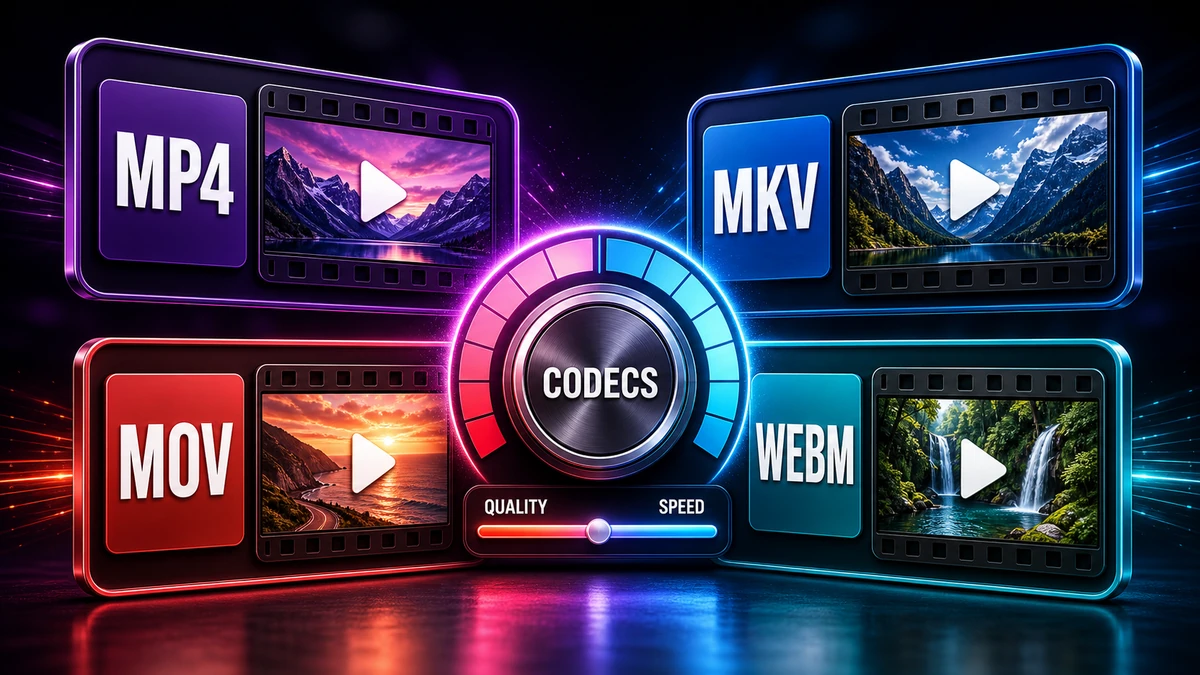
Understand common video formats, where they work best, and how to choose a practical output for playback, upload, editing, or sharing.
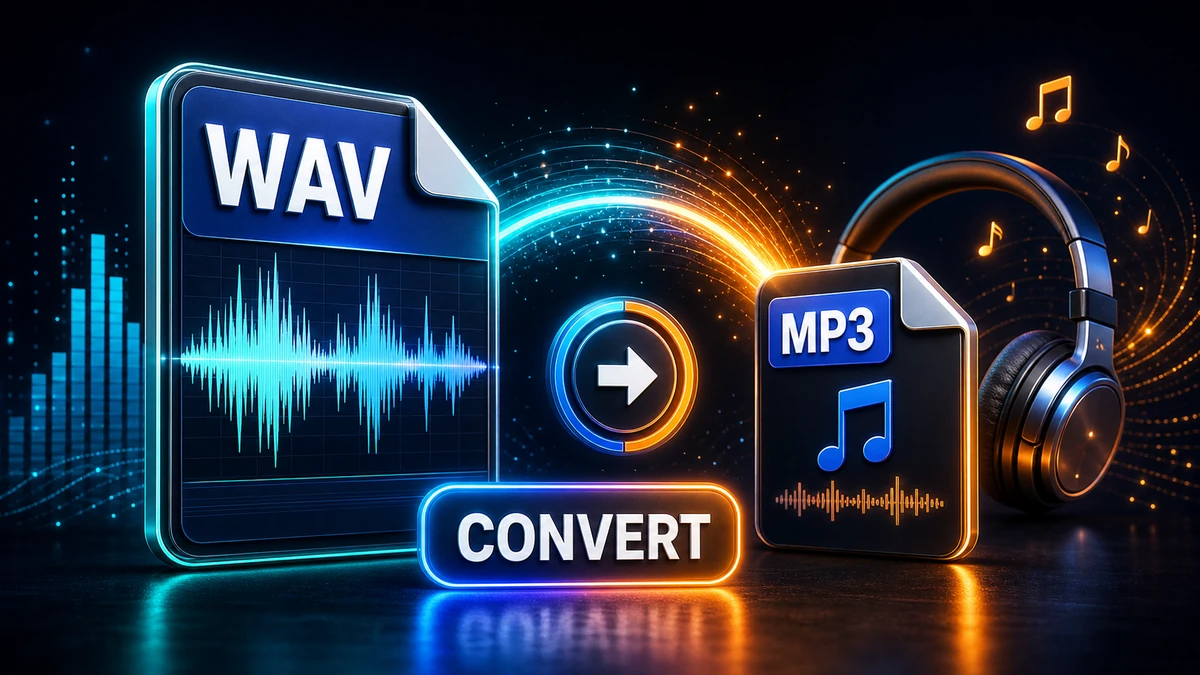
Turn large WAV recordings into smaller MP3 files for email, podcasts, meetings, and everyday playback while checking the sound before sharing.
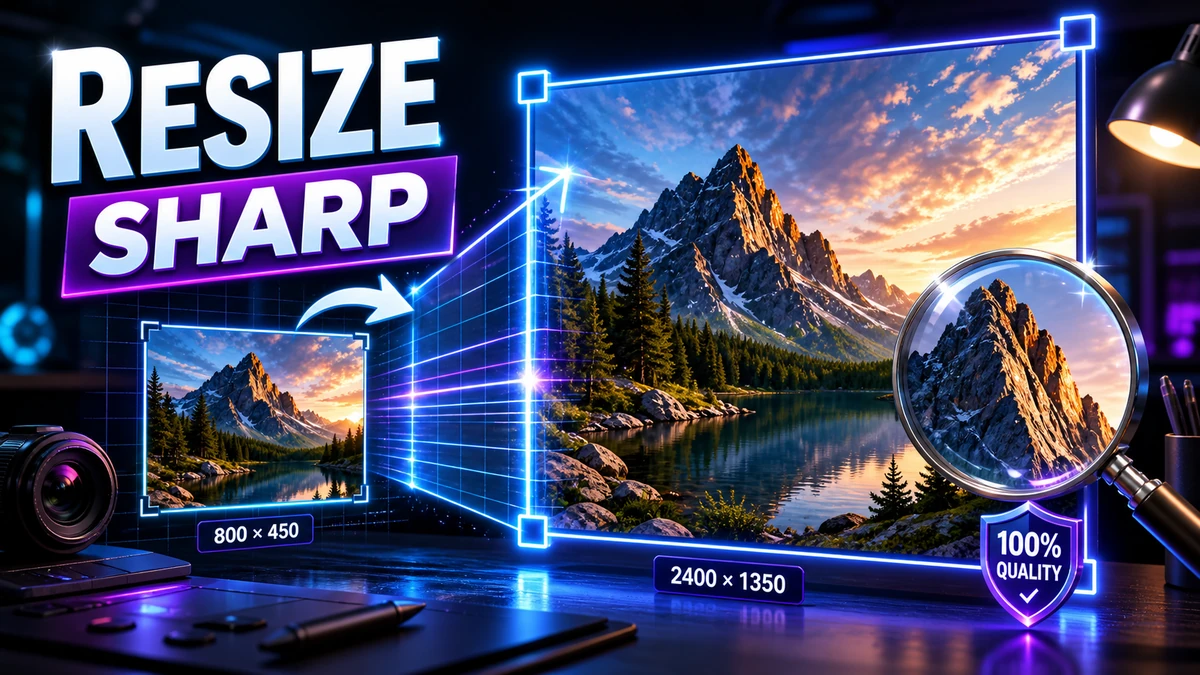
Resize photos, screenshots, graphics, and web images with pixel-size, aspect-ratio, and export settings that keep results clear.
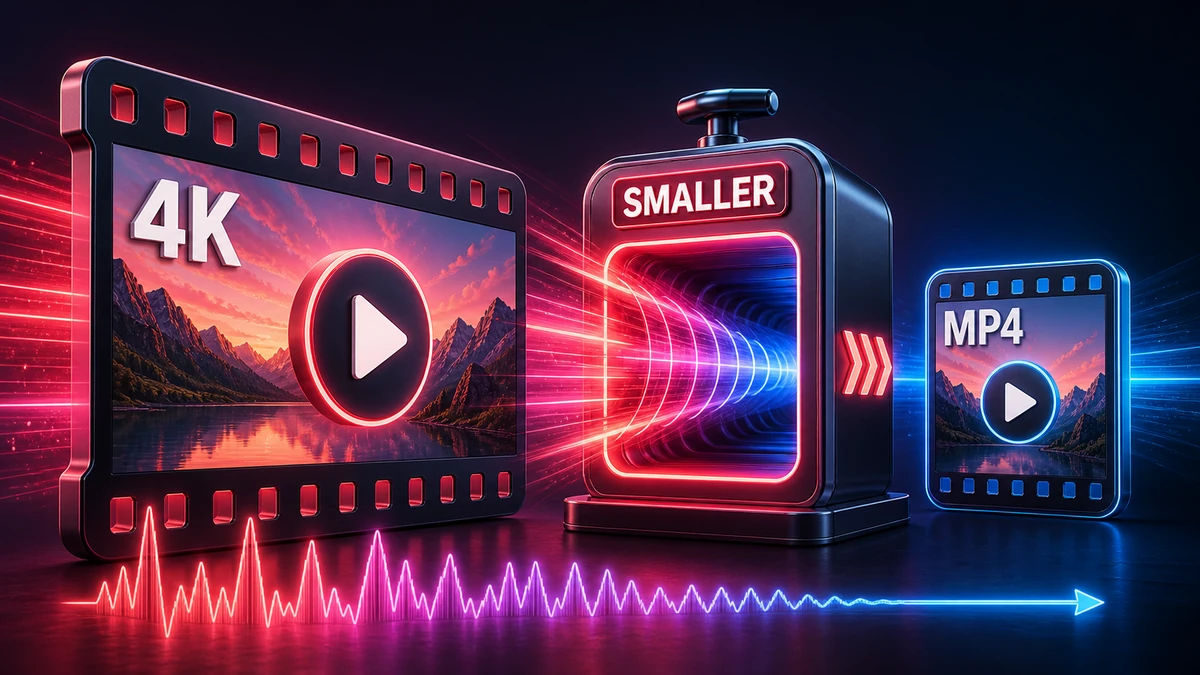
Reduce video file size with format, resolution, and bitrate choices that keep the output useful for sharing, uploading, and storage.
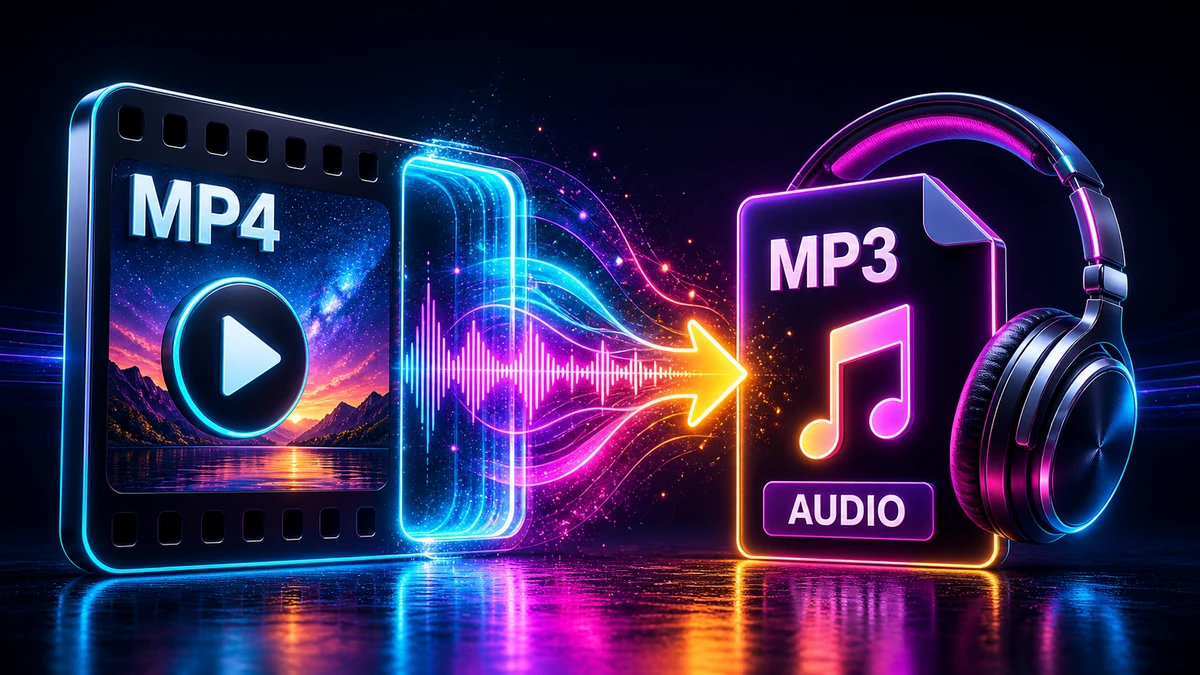
Extract MP3 audio from MP4 files for lectures, meetings, music clips, voice notes, and offline listening with simple browser-based steps.
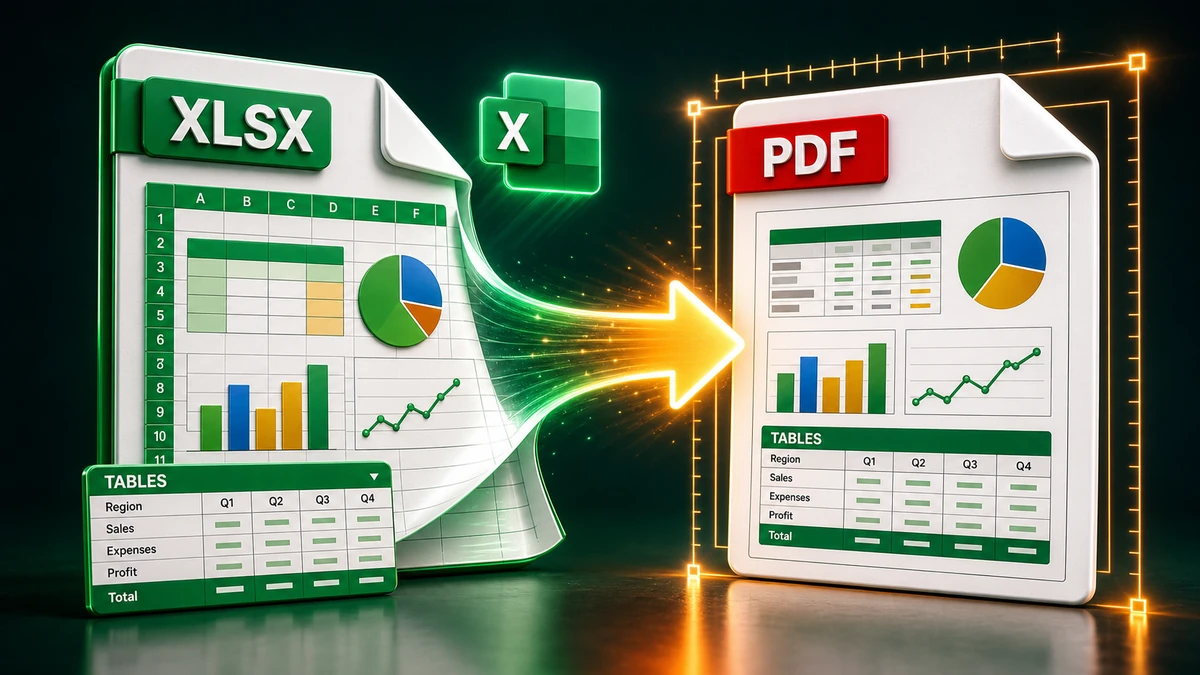
Convert Excel sheets to PDF with cleaner page breaks, readable tables, print areas, and layout checks before sending or uploading.
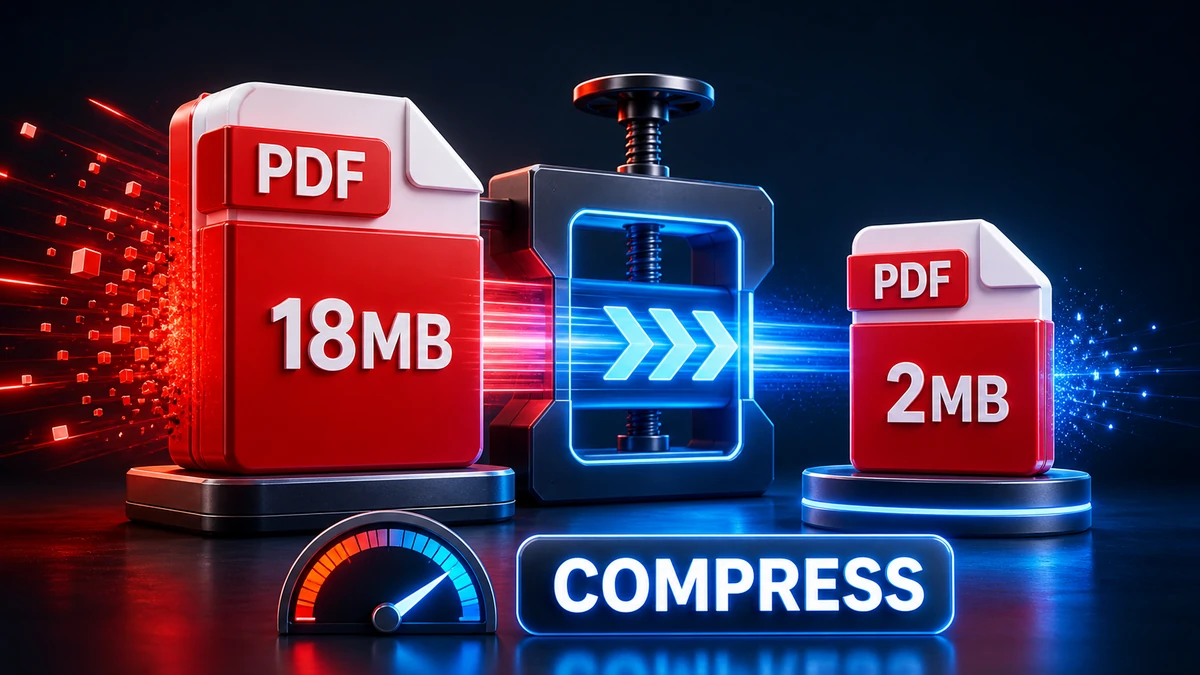
Compress PDF files for email, portals, applications, and storage while checking readability, images, and document layout after compression.
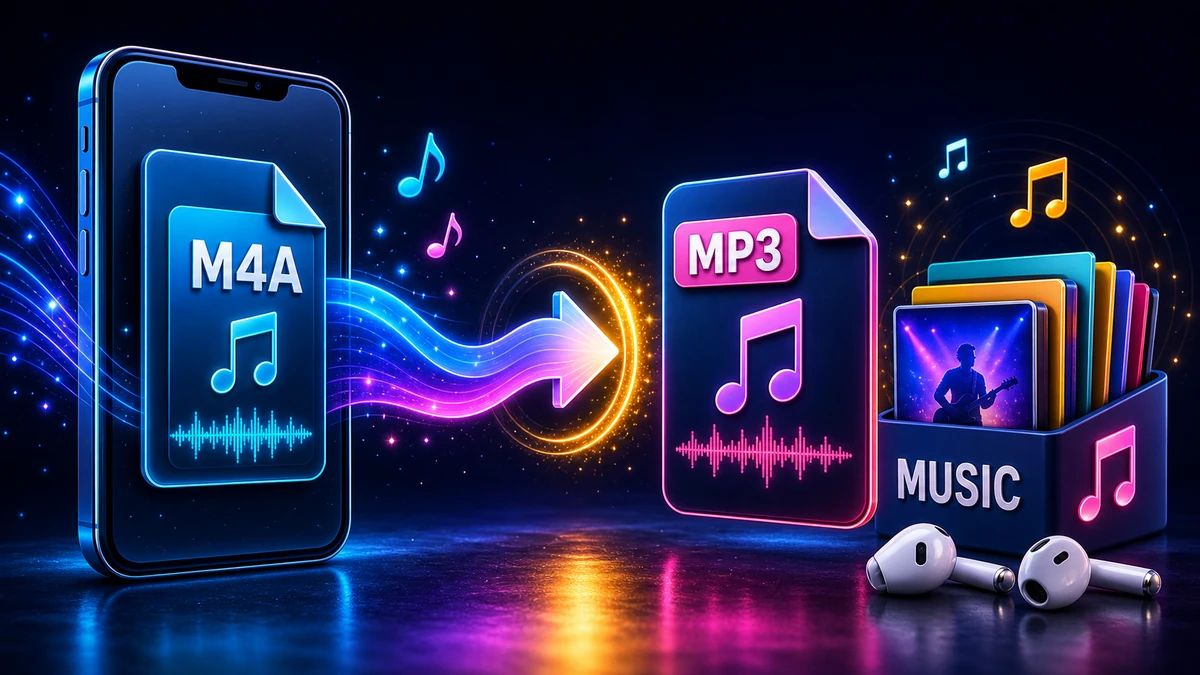
Convert M4A files from Voice Memos, iTunes, or Apple devices to MP3 for easier playback on Windows, Android, and common sharing apps.
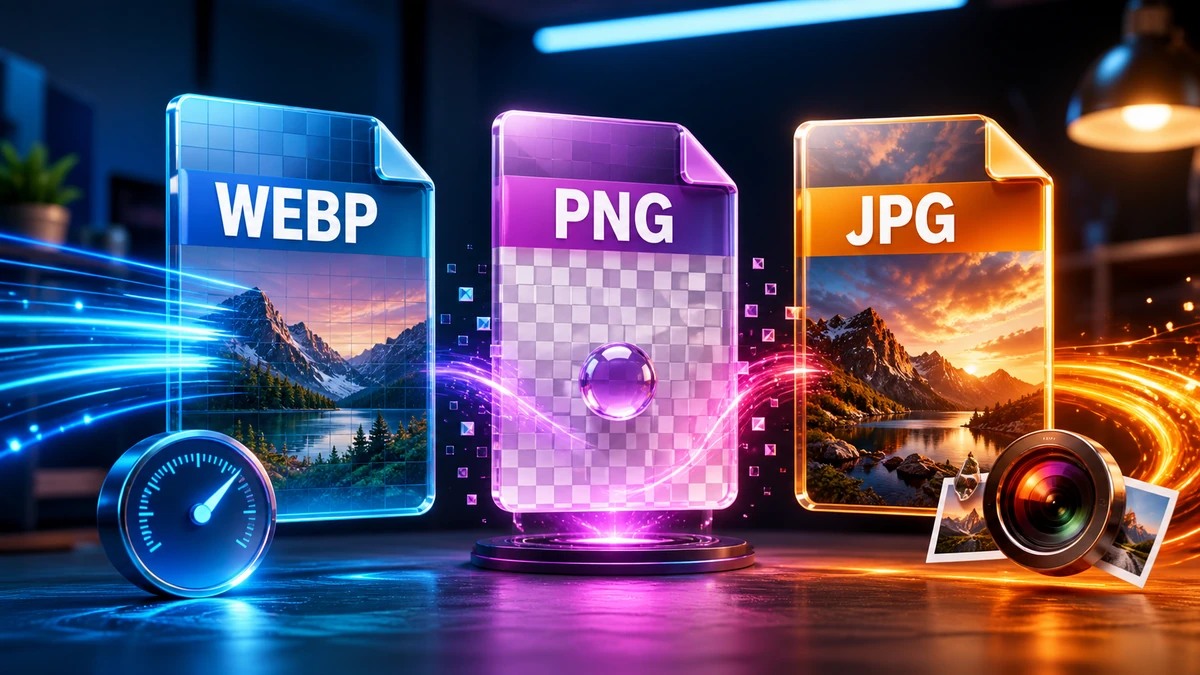
Compare WebP, PNG, and JPG for websites, screenshots, photos, transparency, compression, browser support, and everyday sharing.
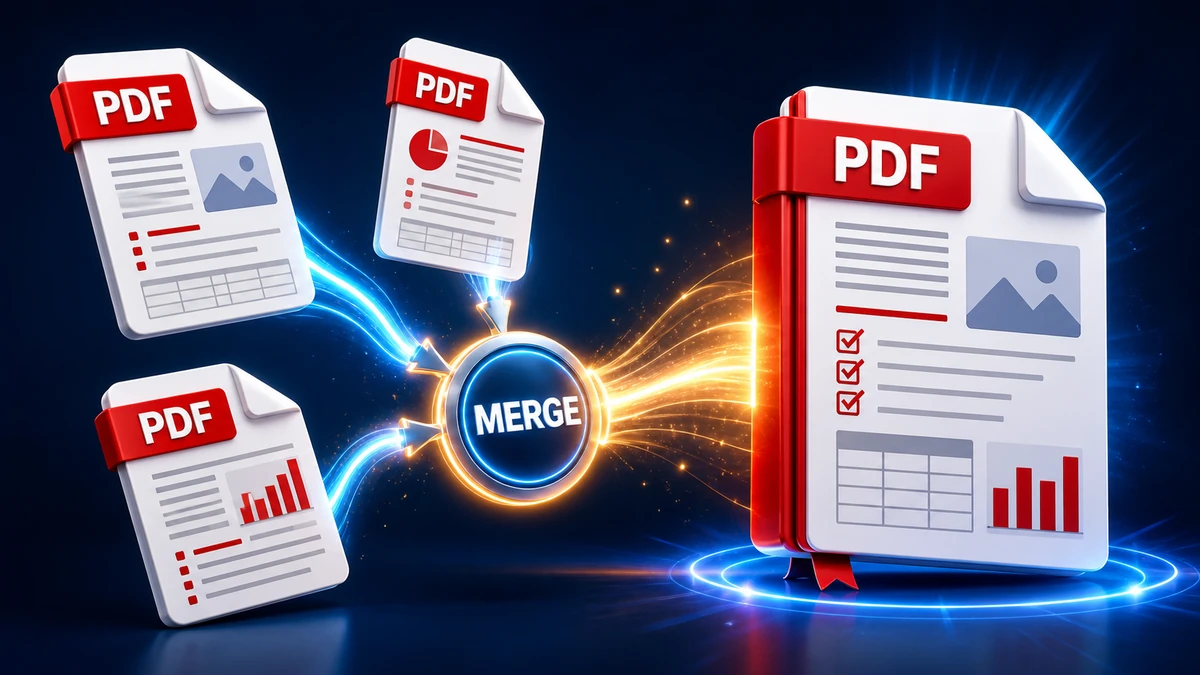
Combine multiple PDF files into one organized document with browser tools, desktop options, ordering tips, and checks before sharing.
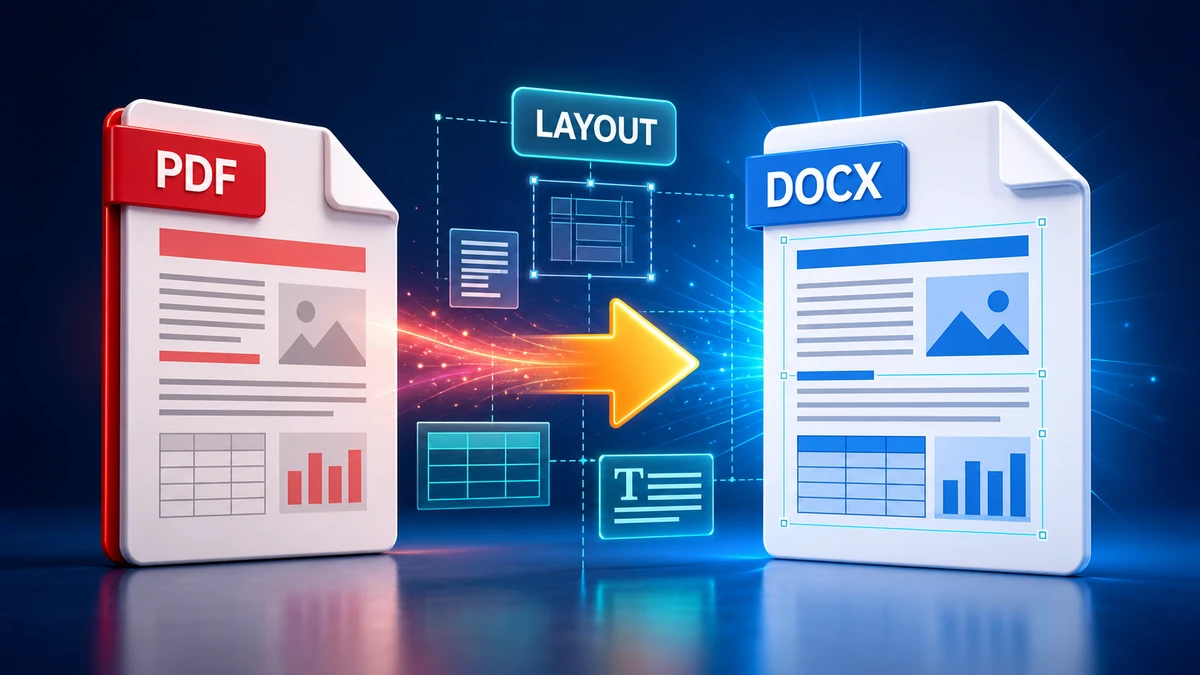
Convert PDF files to editable Word documents with practical checks for text flow, tables, fonts, images, and layout differences.
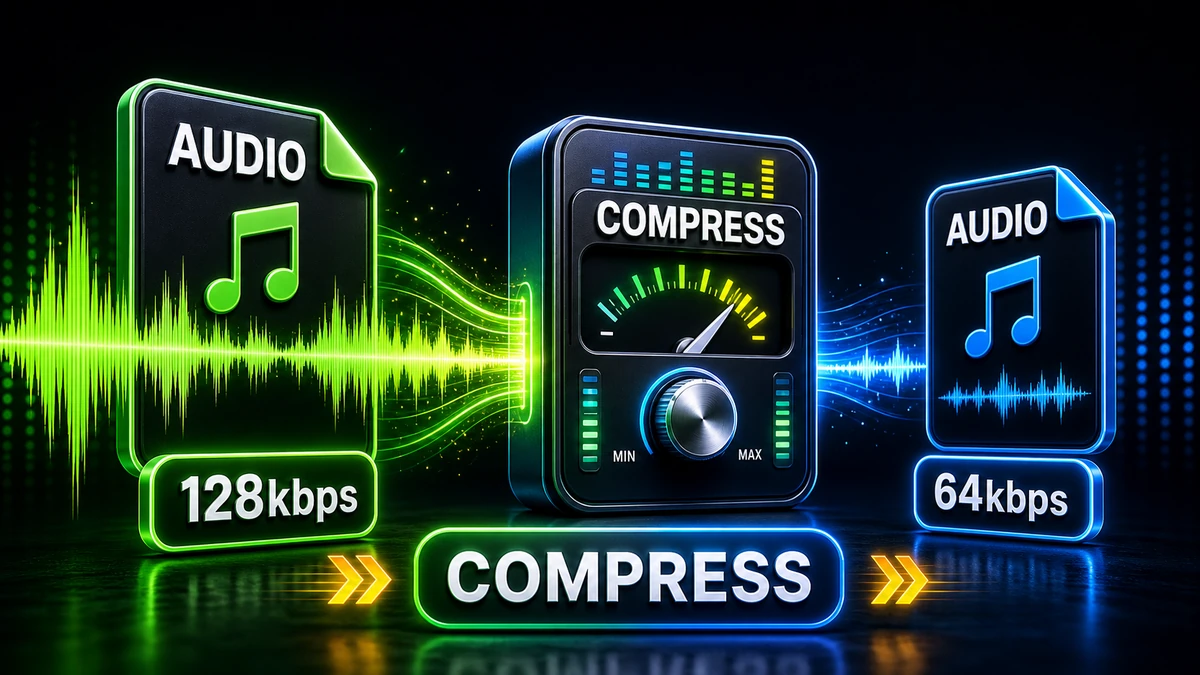
Compress MP3 and other audio files for email, WhatsApp, websites, and storage with clear quality checks and practical bitrate choices.

Learn what file metadata can reveal and how to review or remove hidden details from photos, documents, videos, and audio files.
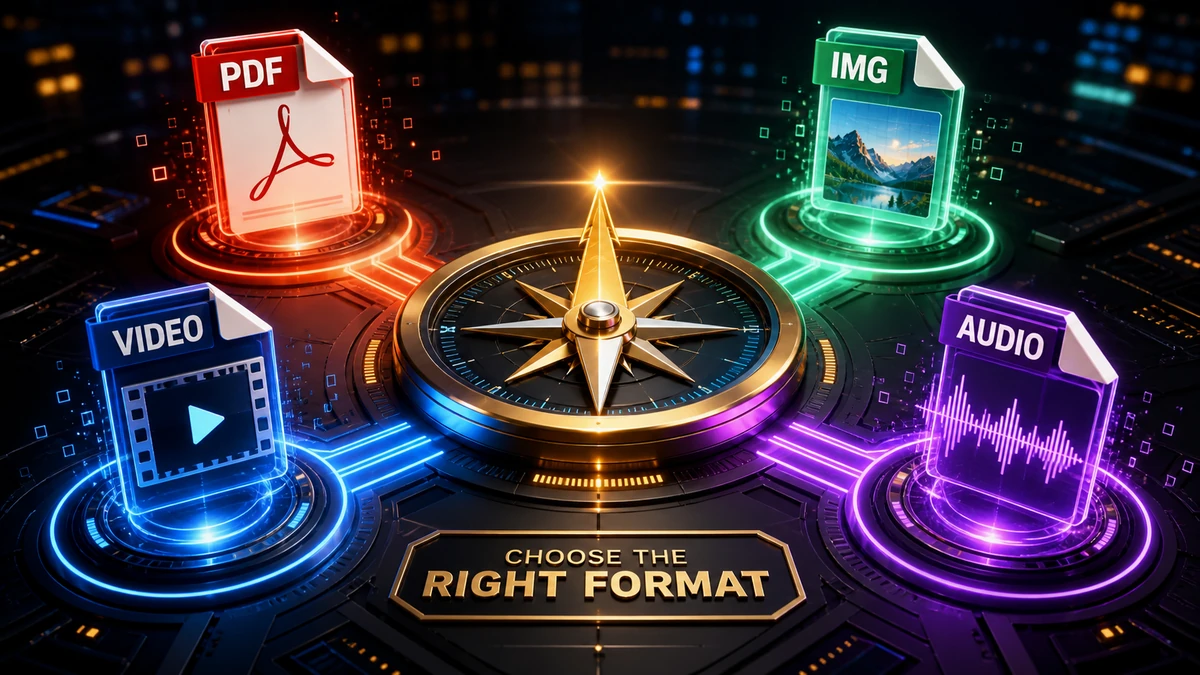
Pick practical formats for images, documents, videos, and audio based on editing needs, compatibility, file size, and sharing channel.
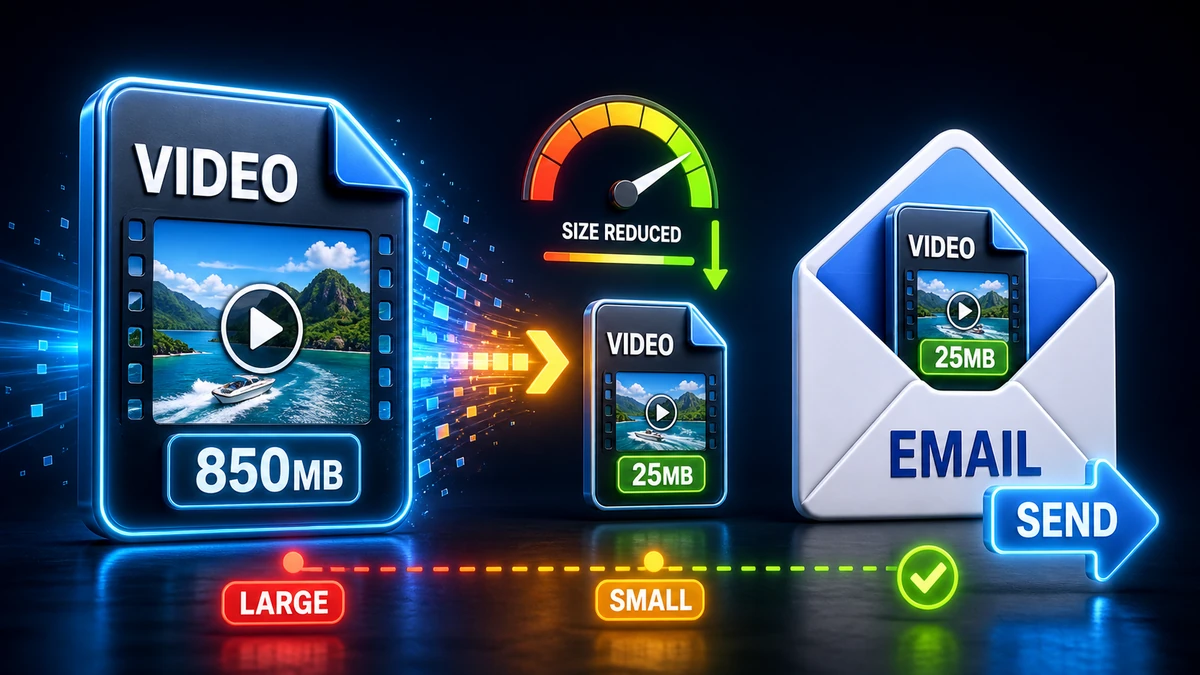
Shrink large videos for email, WhatsApp, Instagram, LinkedIn, and other sharing channels with practical resolution, bitrate, and format choices.
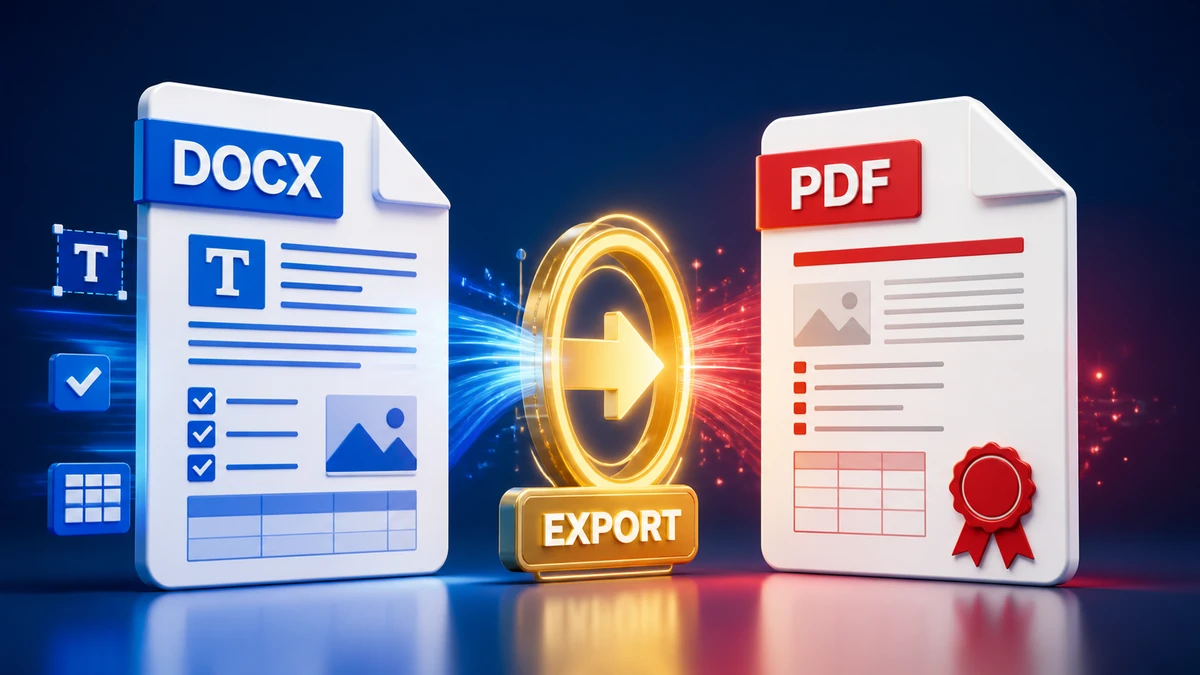
Convert Word documents to PDF for sharing, printing, and submission while checking fonts, images, links, margins, and page layout.
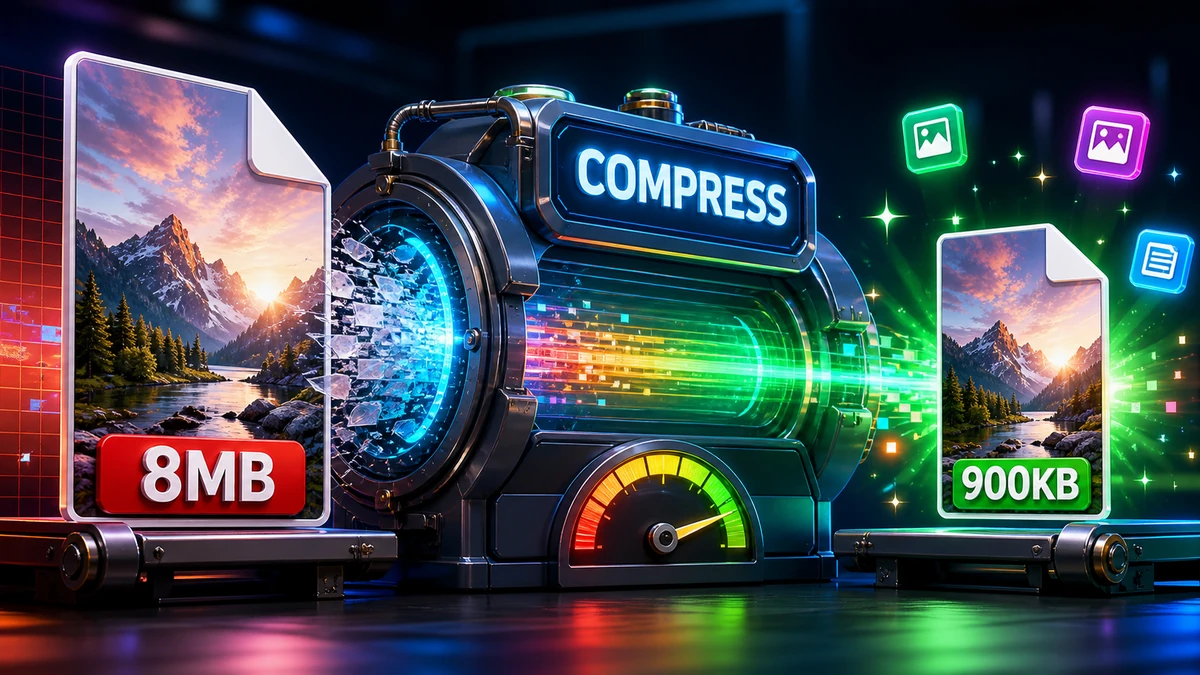
Learn how image compression works, when to use lossy or lossless settings, and how to check results before sharing or uploading.
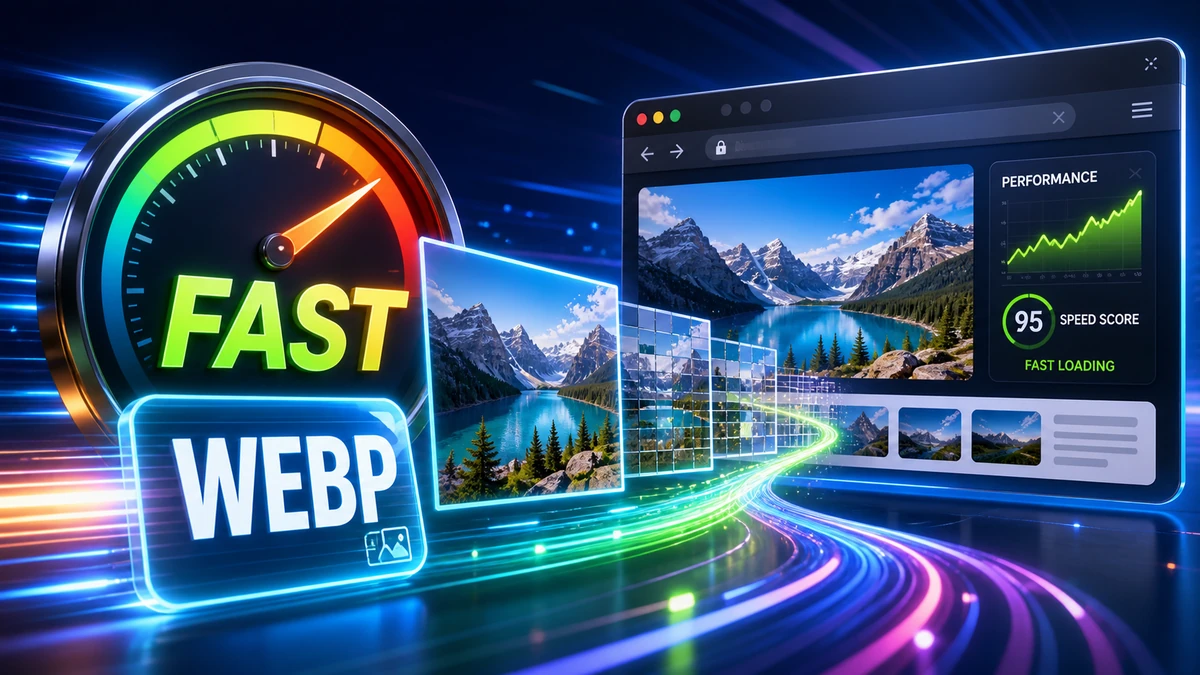
Prepare images for faster websites with practical dimensions, compression settings, format choices, alt text, and Core Web Vitals checks.
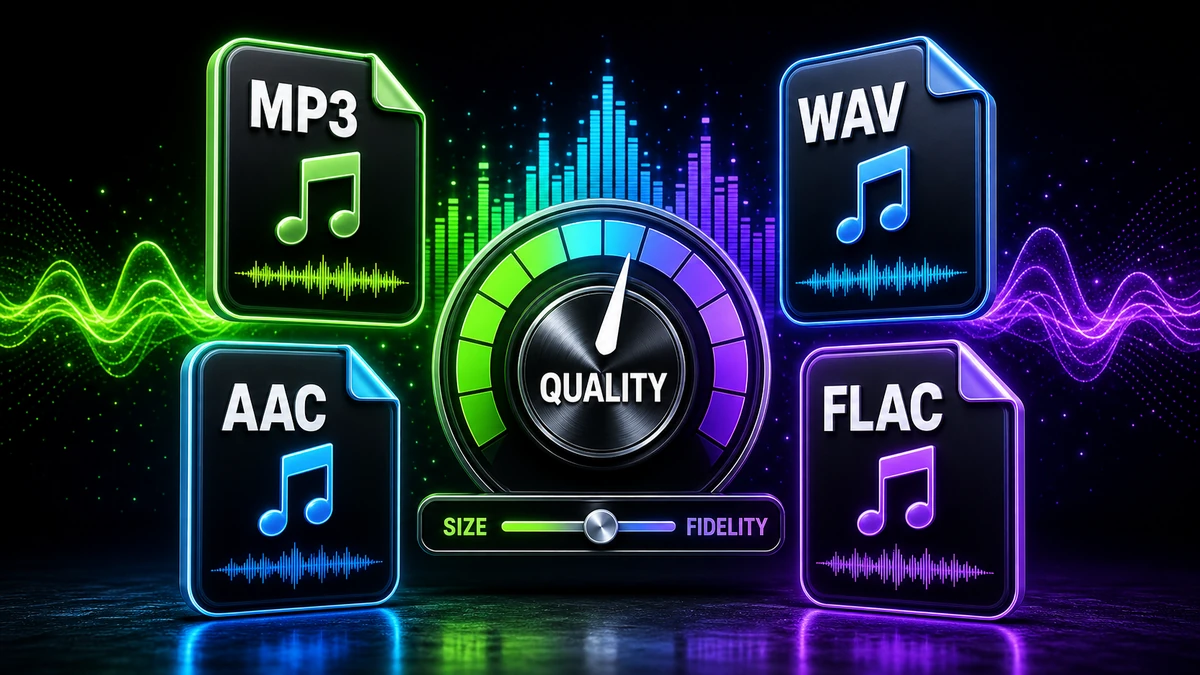
Compare MP3, WAV, and AAC for music, podcasts, voice recordings, editing, archiving, and browser-based conversion workflows.
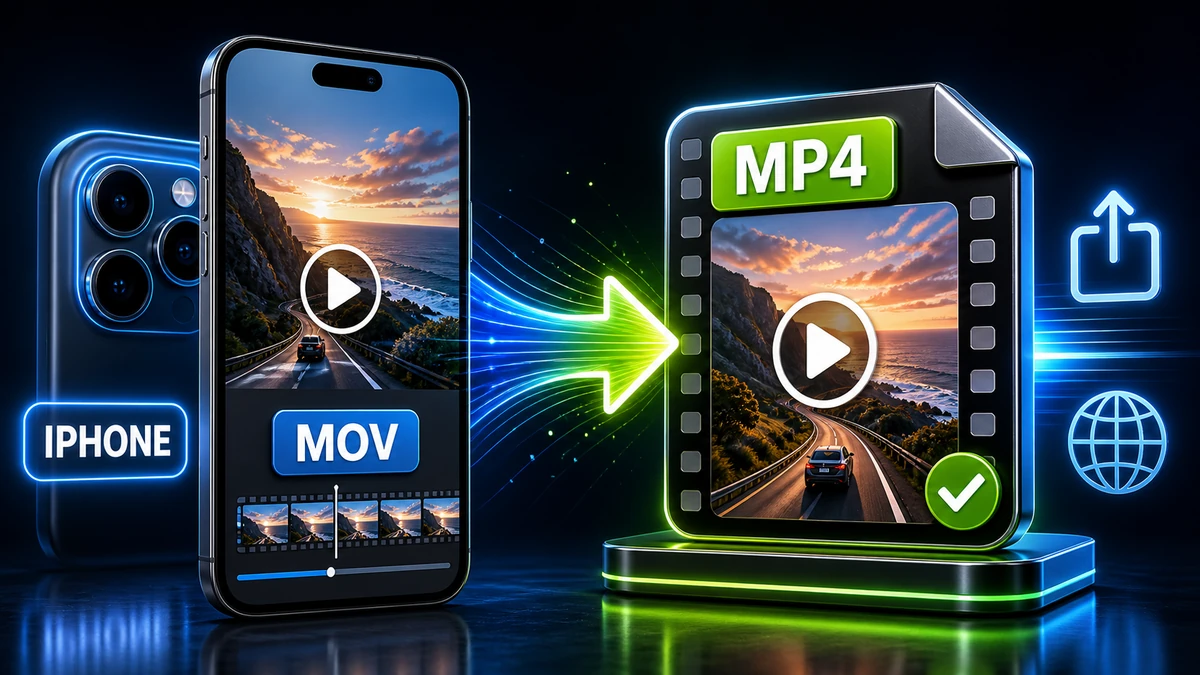
Convert iPhone MOV or HEVC videos to MP4 so they are easier to upload, send, edit, and play across common devices and platforms.
Batch convert images, documents, audio, and video with safer naming, folder organization, test files, and review steps before sharing.
Reduce file size for documents, images, audio, and video while checking readability, playback, resolution, and format compatibility.
Avoid common file conversion mistakes around format choice, backups, quality settings, metadata, filenames, previews, and final checks.
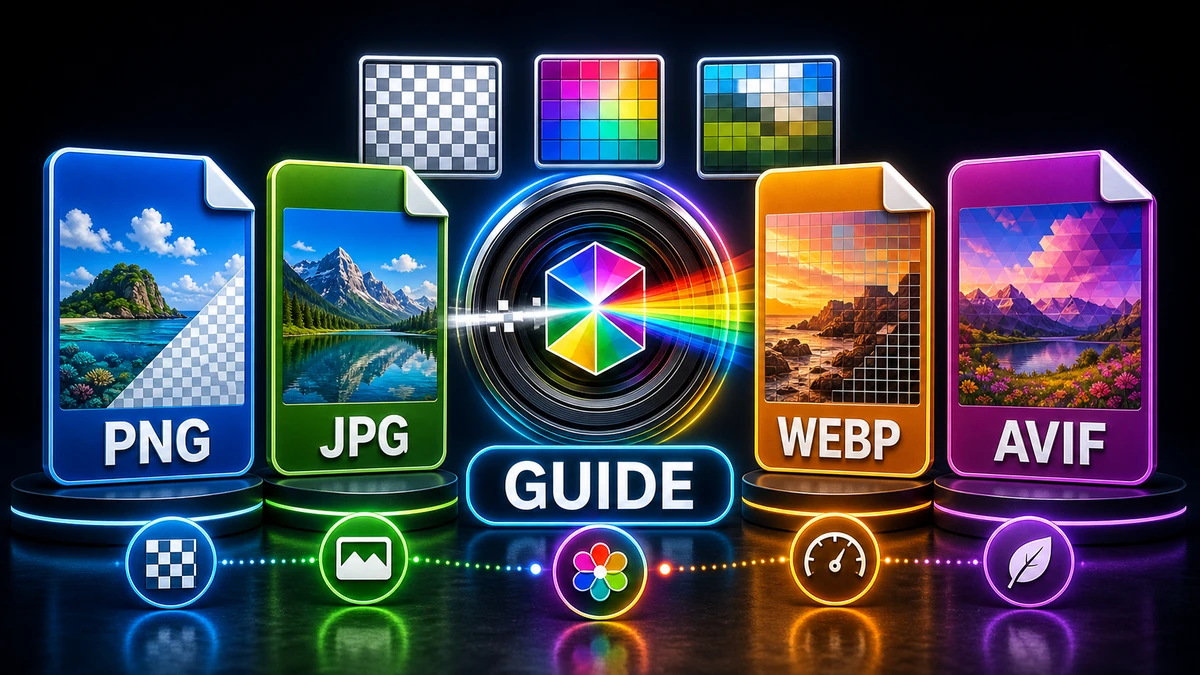
Choose image formats for photos, screenshots, transparency, print, websites, and sharing with clear tradeoffs and practical examples.
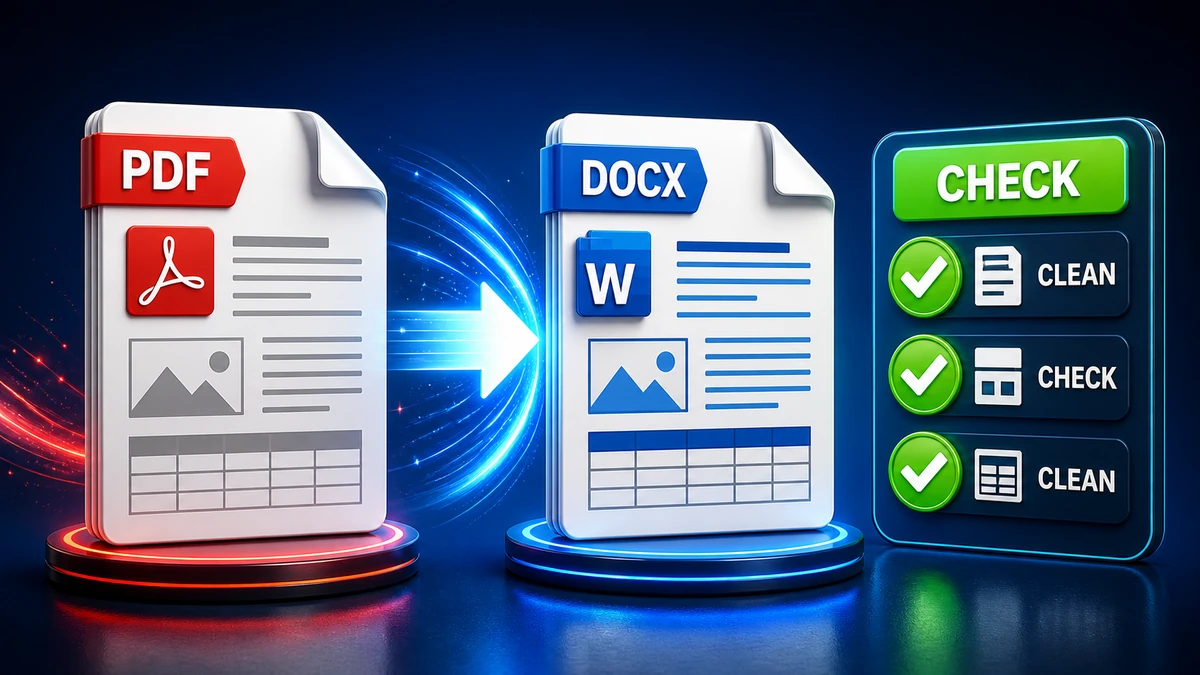
Use practical PDF-to-Word checks for editable text, tables, page breaks, fonts, images, scanned documents, and review before editing.
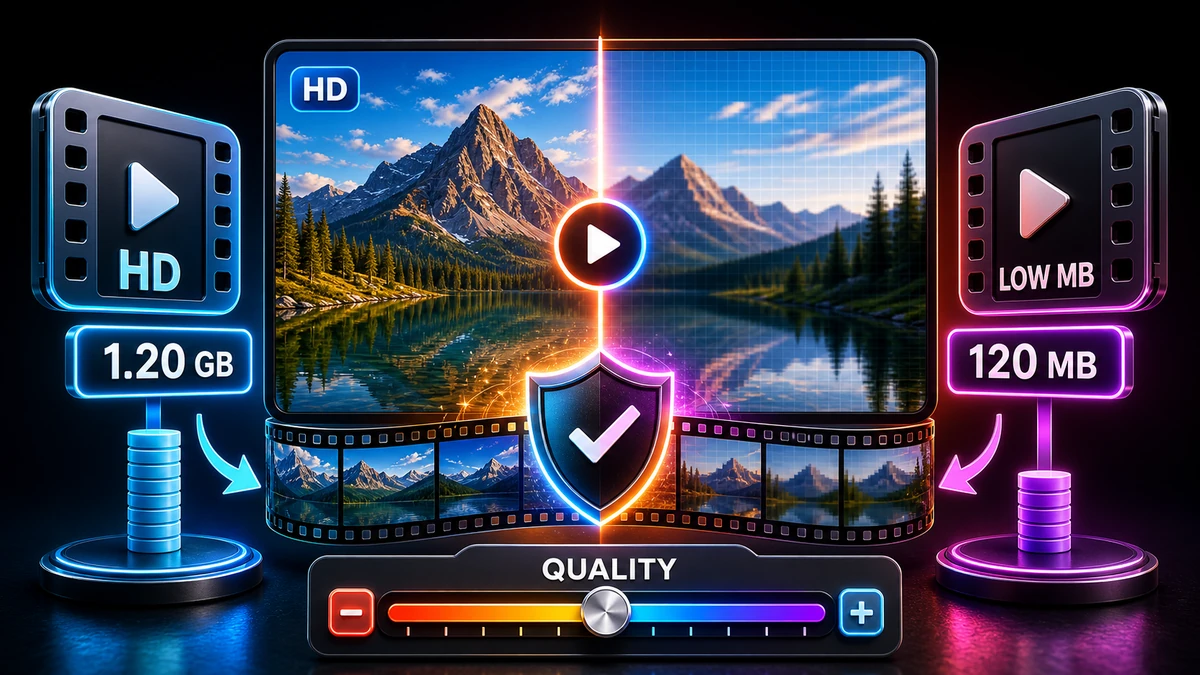
Compress videos with practical codec, resolution, bitrate, and audio settings while reviewing the output before upload or sharing.
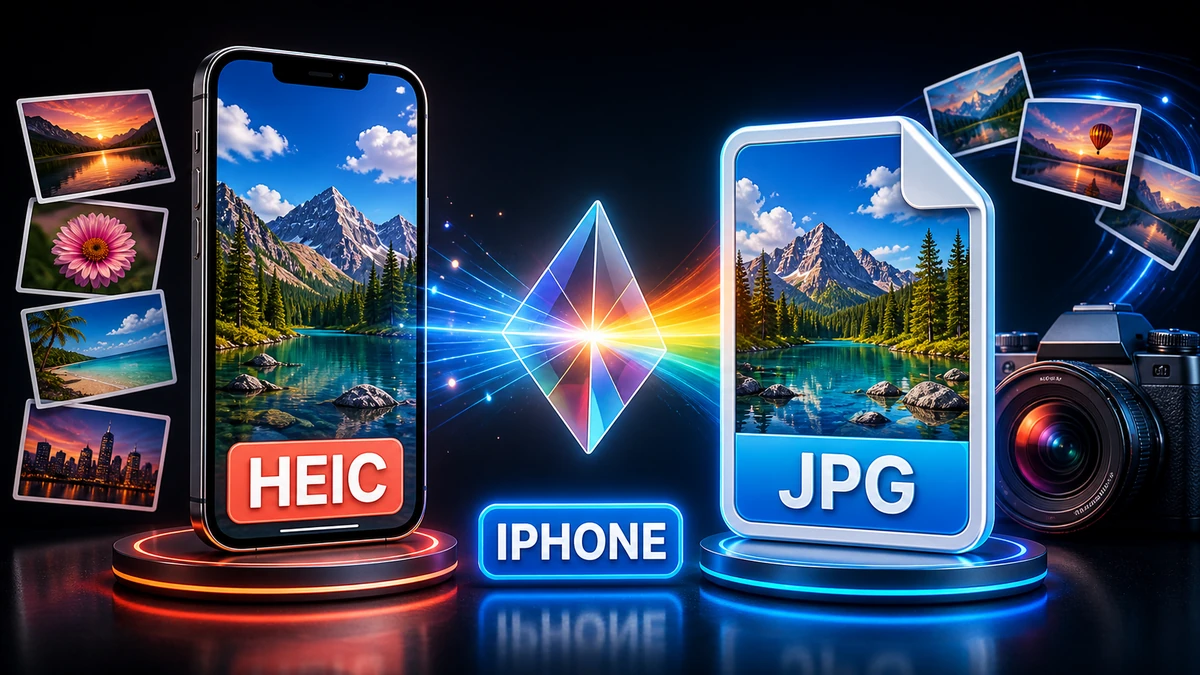
Convert HEIC photos from iPhone to JPG for easier uploads, email attachments, forms, websites, and cross-device sharing.
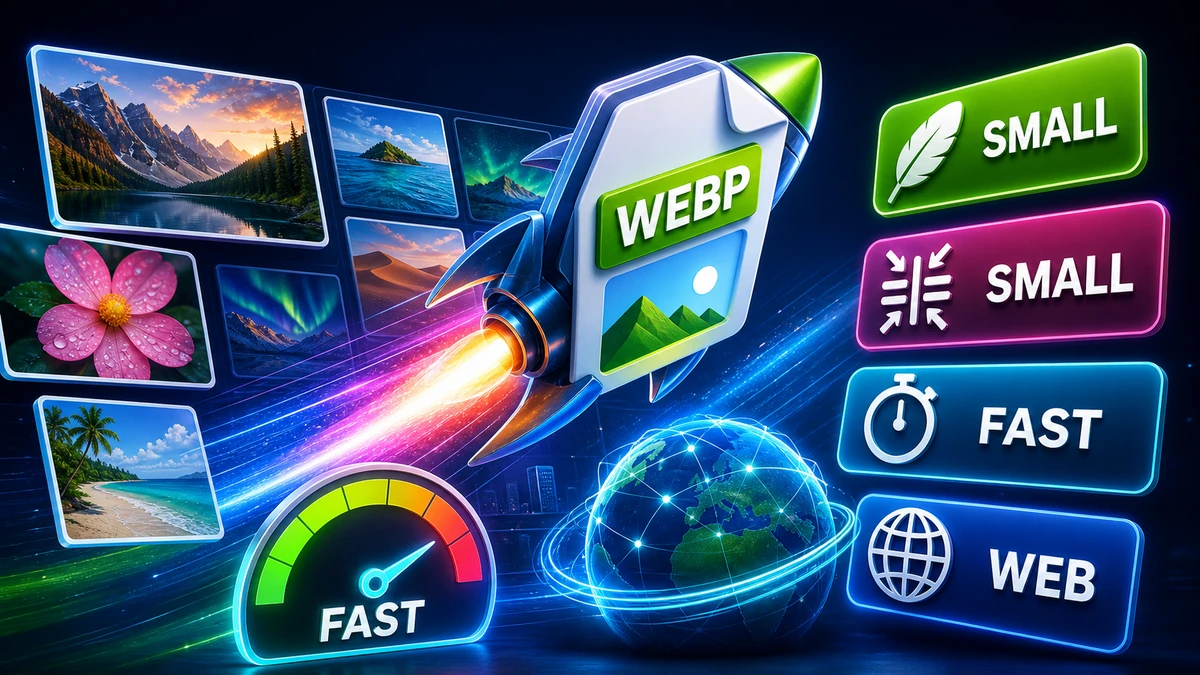
Learn where WebP helps website images, how it compares with JPG and PNG, and when to keep fallback formats for compatibility.
Continue from the blog to the main converter, compressor, pricing, API documentation, privacy, and support pages.
Convert PDFs, images, video, audio, archives, subtitles, and email files.
Reduce image, PDF, video, and audio file size with visible compression levels.
Compare monthly credits, file-size limits, support, and account options.
Review request limits, monthly quotas, webhooks, and developer plan options.
Use conversion and compression endpoints in app and automation workflows.
Read how file handling, account data, cookies, and retention are described.
Ask about a conversion issue, billing question, API workflow, or partnership.