Video Conversion Guides
Guides for converting and shrinking video — moving between MP4, MOV, MKV, AVI and WebM, fixing playback and compatibility issues, and reducing file size for email or upload while keeping watchable quality.
AVI to MP4: Convert Old Video Files That Won't Play
Old AVI clips won't play on your phone or upload to social? Here's why converting AVI to MP4 fixes both, and how to do it without wrecking quality.
Read guide
MKV to MP4: Convert Once, Play Everywhere (Often With Zero Quality Loss)
MKV is great for storing HD video, but it won't open on most phones, browsers, or editors. Here's how to convert MKV to MP4 the smart way — and why the switch is frequently lossless and faster than you'd expect.
Read guide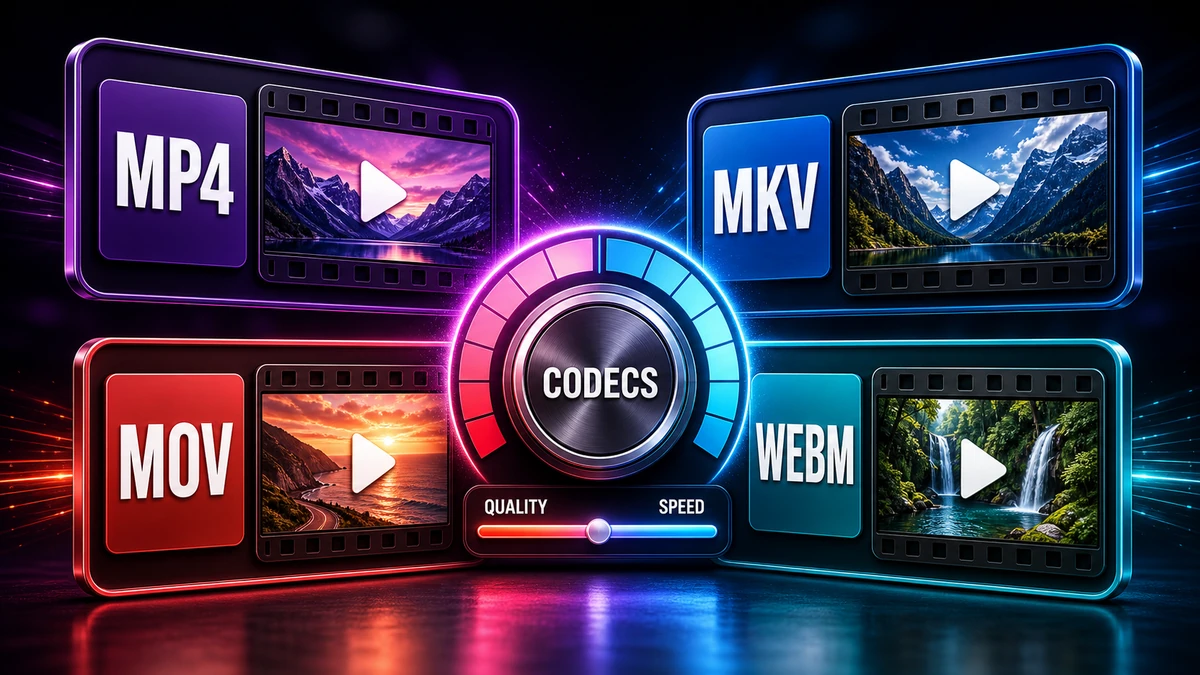
Video Formats Explained: MP4, MKV, MOV, AVI, and WebM
Understand common video formats, where they work best, and how to choose a practical output for playback, upload, editing, or sharing.
Read guide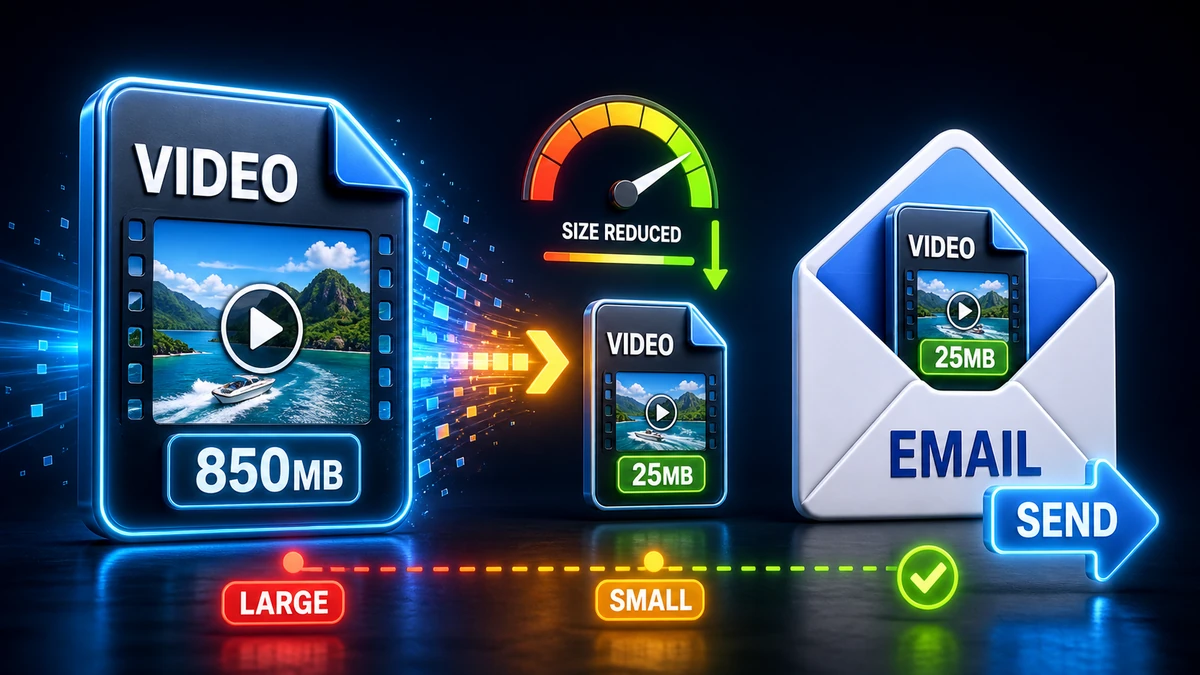
Reduce Video Size for Email and Social Media
Shrink large videos for email, WhatsApp, Instagram, LinkedIn, and other sharing channels with practical resolution, bitrate, and format choices.
Read guide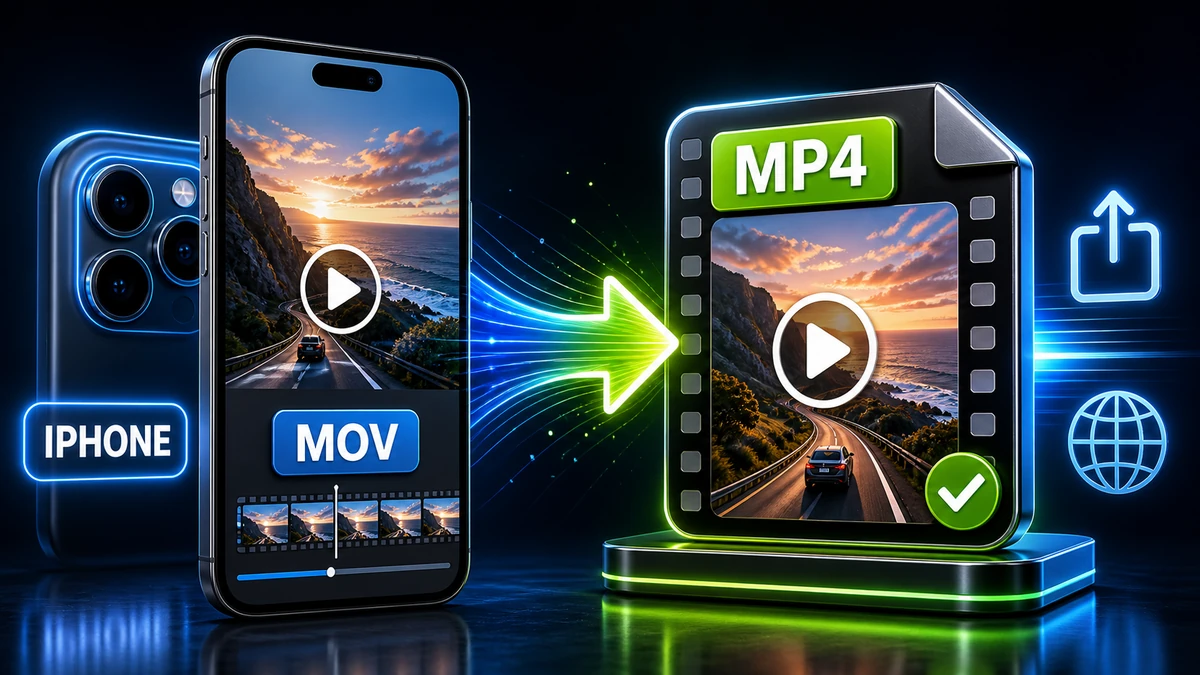
MOV to MP4: Convert iPhone Videos for Easier Sharing
Convert iPhone MOV or HEVC videos to MP4 so they are easier to upload, send, edit, and play across common devices and platforms.
Read guide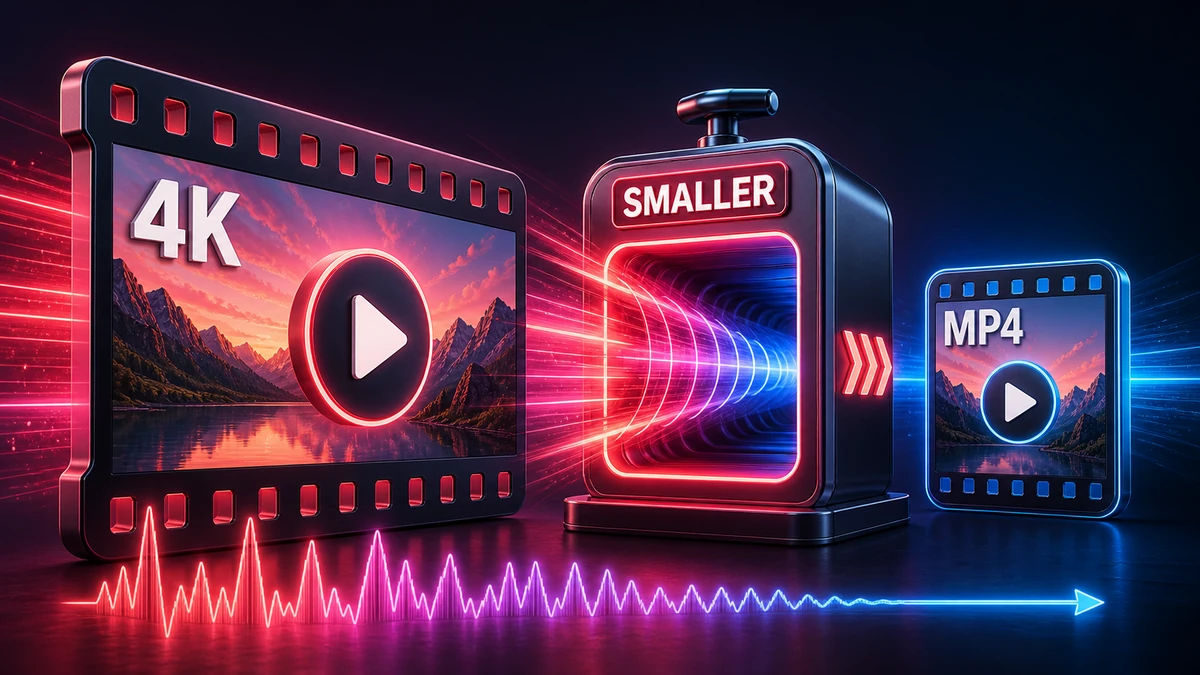
Compress Video Files: Practical Size Reduction Guide
Reduce video file size with format, resolution, and bitrate choices that keep the output useful for sharing, uploading, and storage.
Read guide
MP4 to MP3: Extract Audio from Video Files
Extract MP3 audio from MP4 files for lectures, meetings, music clips, voice notes, and offline listening with simple browser-based steps.
Read guide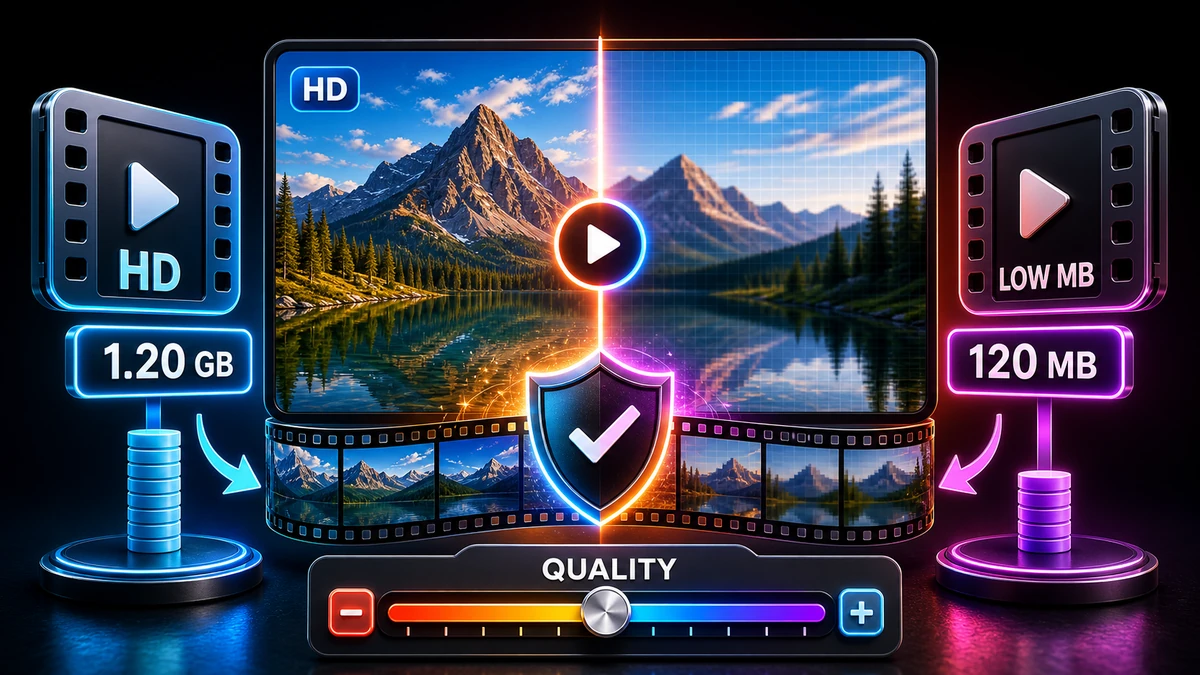
Video Compression Guide: Reduce Size With Quality Checks
Compress videos with practical codec, resolution, bitrate, and audio settings while reviewing the output before upload or sharing.
Read guide