Video Formats Explained: MP4, MKV, MOV, AVI, and WebM
You've downloaded a video and it won't play. Or you're trying to upload to a platform and it only accepts certain formats. Or your editing software doesn't recognize the file you just received.
Understanding video formats solves these headaches. This guide explains the major video formats, when to use each one, and how to convert between them.
What Is a Video Format?
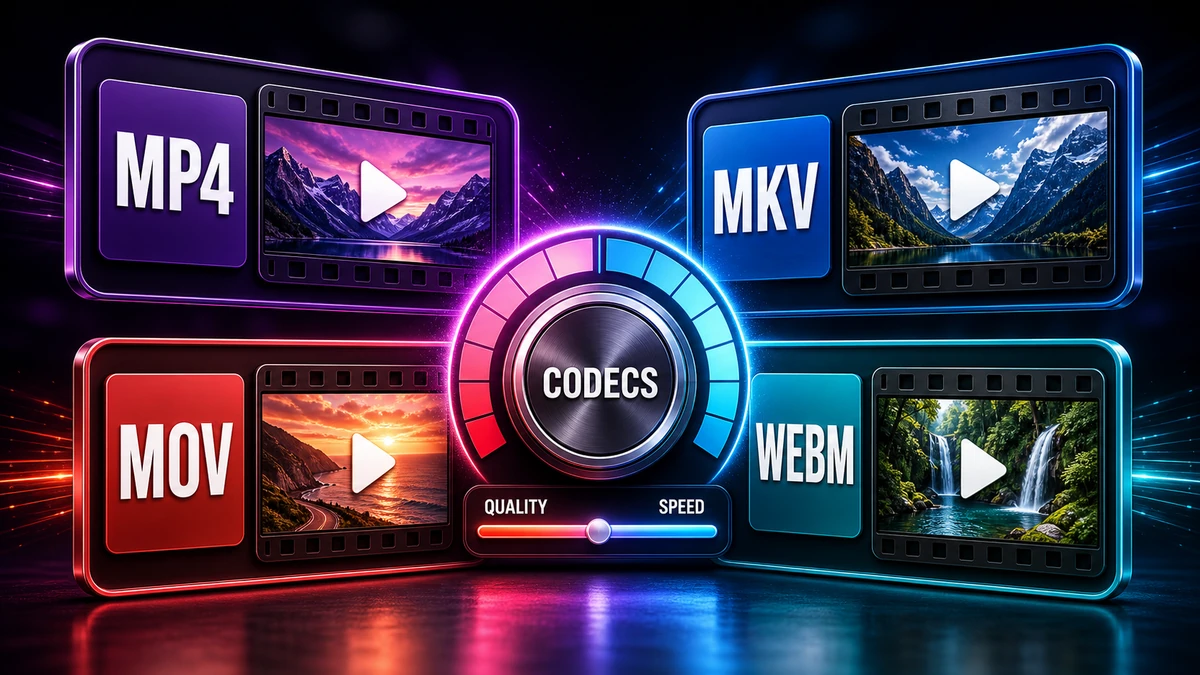
A video format (or container) is like a box that holds different components:
| Component | What It Is | Examples |
|---|---|---|
| Video codec | How video is compressed | H.264, H.265, VP9 |
| Audio codec | How audio is compressed | AAC, MP3, AC3 |
| Subtitles | Text tracks | SRT, VTT |
| Metadata | Title, chapters, etc. | Various |
The container (MP4, MKV, etc.) determines which codecs it can hold and where it works.
"Pro tip: Two MP4 files can use completely different codecs inside. The format and codec together determine compatibility and quality."
Quick Decision Guide: Which Format Should I Use?
What's your goal?
- broad compatibility everywhere? → MP4 (H.264)
- Best quality for storage/archive? → MKV (any codec)
- From Apple device/for Apple users? → MOV or MP4
- For web/YouTube? → MP4 or WebM
- Best compression for storage? → MP4 (H.265/HEVC)
- Need to preserve everything (subtitles, chapters)? → MKV
MP4: The Universal Standard
Full name: MPEG-4 Part 14
Extension: .mp4, .m4v
Best for: Everything where compatibility matters
Why MP4 Dominates
MP4 plays everywhere—phones, computers, TVs, game consoles, streaming platforms. It's the safest choice for sharing.
| Platform | MP4 Support |
|---|---|
| All web browsers | ✅ |
| iPhone/Android | ✅ |
| Windows/Mac | ✅ |
| Smart TVs | ✅ |
| Social media | ✅ |
| Email attachments | ✅ |
Common Codecs in MP4
| Codec | Quality | File Size | Compatibility |
|---|---|---|---|
| H.264/AVC | Excellent | Medium | Universal |
| H.265/HEVC | Excellent | Small (50% of H.264) | Good (most modern devices) |
| AAC (audio) | Excellent | Small | Universal |
When to Use MP4
✅ Use MP4 for:
- Sharing videos with anyone
- Uploading to social media
- Email attachments
- Web video
- Mobile playback
❌ Consider other formats when:
- You need multiple audio tracks or subtitles (MKV better)
- Archiving with lossless quality (MKV with lossless codec)
"Pro tip: When in doubt, export as MP4 with H.264 video and AAC audio. This combination works virtually everywhere."
MKV: The Enthusiast's Choice
Full name: Matroska Video
Extension: .mkv
Best for: Archiving, multiple audio/subtitle tracks, high-quality storage
MKV's Strengths
MKV is an open-source format designed to hold anything:
- Multiple audio tracks (different languages)
- Multiple subtitle tracks
- Chapters (like DVD chapters)
- Any video/audio codec (H.264, H.265, AV1, whatever)
- Lossless codecs for reliable quality
When to Use MKV
✅ Use MKV for:
- Personal video library
- Movies with multiple audio options
- Archiving videos long-term
- Converting DVDs/Blu-rays
- When quality matters more than compatibility
❌ Don't use MKV for:
- Sharing with non-technical people
- Social media uploads
- Email attachments
- When file needs to play everywhere
Compatibility Note
MKV plays in:
- VLC Media Player (all platforms)
- Most Android devices
- Modern Windows 10/11
- Some newer smart TVs
It may not play in:
- Most iOS apps (without additional players)
- Older smart TVs
- Some web browsers
- Most social media platforms
MOV: Apple's Format
Full name: QuickTime File Format
Extension: .mov
Best for: Apple devices, professional video production
MOV's Place
MOV was developed by Apple and is deeply integrated into macOS, iOS, and Apple's professional tools like Final Cut Pro.
| Usage | MOV Works |
|---|---|
| Mac/iPhone | ✅ reliable |
| Windows | ⚠️ Usually (may need QuickTime) |
| Android | ⚠️ Limited |
| Web browsers | ⚠️ Inconsistent |
When to Use MOV
✅ Use MOV for:
- Apple-to-Apple sharing
- Final Cut Pro projects
- ProRes video workflows
- When staying in Apple ecosystem
❌ Convert away from MOV when:
- Sharing with Windows/Android users
- Uploading to platforms that prefer MP4
- Need guaranteed compatibility
See our MOV to MP4 conversion guide for detailed instructions.
AVI: The Legacy Format
Full name: Audio Video Interleave
Extension: .avi
Best for: Legacy compatibility, specific editing workflows
The AVI Story
AVI was introduced by Microsoft in 1992. It's old by today's standards but still used in some situations.
AVI's Limitations
- Large file sizes (inefficient compression)
- Limited codec support compared to modern formats
- No streaming support (must download fully before playing)
- No native chapter/subtitle support
When You Might See AVI
- Old video files/archives
- Certain legacy editing software
- Screen recording tools
- Dashcam footage
"Pro tip: If you receive AVI files, consider converting them to MP4 for better compression and compatibility."
WebM: The Web Native
Full name: WebM (based on Matroska)
Extension: .webm
Best for: Web video, open-source projects, HTML5 video
WebM's Purpose
Developed by Google, WebM is designed specifically for web use:
- Open and royalty-free (no licensing costs)
- Excellent compression (VP9 and AV1 codecs)
- Designed for streaming
- HTML5 compatible
Codec Options in WebM
| Codec | Status | Quality/Size |
|---|---|---|
| VP8 | Older | Good |
| VP9 | Current | Excellent (YouTube's choice) |
| AV1 | Future | Best (30% smaller than VP9) |
When to Use WebM
✅ Use WebM for:
- Website HTML5 video
- YouTube uploads
- Open-source projects
- When avoiding royalty concerns
❌ Don't use WebM for:
- Sharing with non-technical users
- Playing on older devices
- When MP4 is easier
Format Comparison Table
| Format | Compatibility | Quality | Size | Best For |
|---|---|---|---|---|
| MP4 | ⭐⭐⭐⭐⭐ | ⭐⭐⭐⭐ | ⭐⭐⭐⭐ | Universal sharing |
| MKV | ⭐⭐⭐ | ⭐⭐⭐⭐⭐ | ⭐⭐⭐⭐ | Archiving, multi-track |
| MOV | ⭐⭐⭐ | ⭐⭐⭐⭐ | ⭐⭐⭐⭐ | Apple ecosystem |
| AVI | ⭐⭐ | ⭐⭐⭐ | ⭐⭐ | Legacy systems |
| WebM | ⭐⭐⭐ | ⭐⭐⭐⭐ | ⭐⭐⭐⭐⭐ | Web video |
Understanding Video Codecs
The container is just the box—the codec determines the actual compression.
Current Codecs
| Codec | Description | Compatibility |
|---|---|---|
| H.264 | The workhorse. Works everywhere. | Universal |
| H.265/HEVC | 50% smaller than H.264, same quality | Most modern devices |
| VP9 | Google's alternative. Used by YouTube. | Web browsers, Android |
| AV1 | Next-gen. Best compression. | Limited but growing |
Quick Decision Guide:
- Need to work everywhere? → H.264
- Want smaller files, modern devices? → H.265
- For web/YouTube? → VP9 or H.264
- Future-proofing? → AV1
Converting Between Formats
Need to change formats? Here's how:
Online Conversion
For quick jobs without software:
- Visit FreeFast Video Converter
- Upload your video
- Select target format (MP4, WebM, etc.)
- Choose quality settings
- Download converted file
Desktop Options
- HandBrake (free, cross-platform)
- VLC (free, built-in converter)
- FFmpeg (free, command-line power)
"Pro tip: When converting, choose H.264 codec in MP4 container for broad compatibility. Use H.265 if you're staying within your own devices."
Frequently Asked Questions
What's the best video format for quality?
The codec matters more than the container. For quality:
- Lossless: FFV1, ProRes (huge files)
- High quality: H.264 or H.265 at high bitrate in MKV or MP4
What's the best format for YouTube?
YouTube recommends MP4 with H.264 video and AAC audio. However, it accepts many formats and re-encodes everything anyway.
Why won't my video play on my TV?
Smart TVs have limited codec support. Convert to MP4 with H.264 codec for best TV compatibility.
Is MKV better quality than MP4?
Not inherently—both can contain the same codecs at the same quality. MKV just supports more features (multiple audio tracks, chapters, etc.).
Can I convert with quality checks?
If the target format supports the same codec, yes (called "remuxing"). If codecs differ, some conversion happens—keep high bitrate to minimize loss.
What format does Netflix use?
Netflix primarily uses H.264 and H.265 in MP4-compatible containers, with various audio formats including Dolby Atmos.
Conclusion
Understanding video formats helps you:
- Choose the right format for each situation
- Troubleshoot playback problems
- Make informed decisions when converting
Remember These Key Points:
- MP4 → Universal, use for sharing
- MKV → Feature-rich, use for archiving
- MOV → Apple-focused
- WebM → Web-optimized
- H.264 codec → broad compatibility
- H.265 codec → Best balance of quality and size
Quick Decision:
- Sharing with anyone? → MP4 (H.264)
- Personal archive? → MKV
- For the web? → MP4 or WebM
- From iPhone? → Convert MOV to MP4
Convert your videos with our free video converter for any format you need.
Related articles:
- MOV to MP4: Convert iPhone Videos
- How to Compress Video with quality checks
- MP4 to MP3: Extract Audio from Video
- How to Reduce Video Size for Email
Related Topics
On This Page
Share Article
Try FreeFast Converter
Start with free daily conversions, then choose a plan if you need higher limits.
Start ConvertingOur Tools
Stay Updated
Get the latest tips delivered to your inbox.