How to Choose the Right File Format: Complete Decision Guide 2025

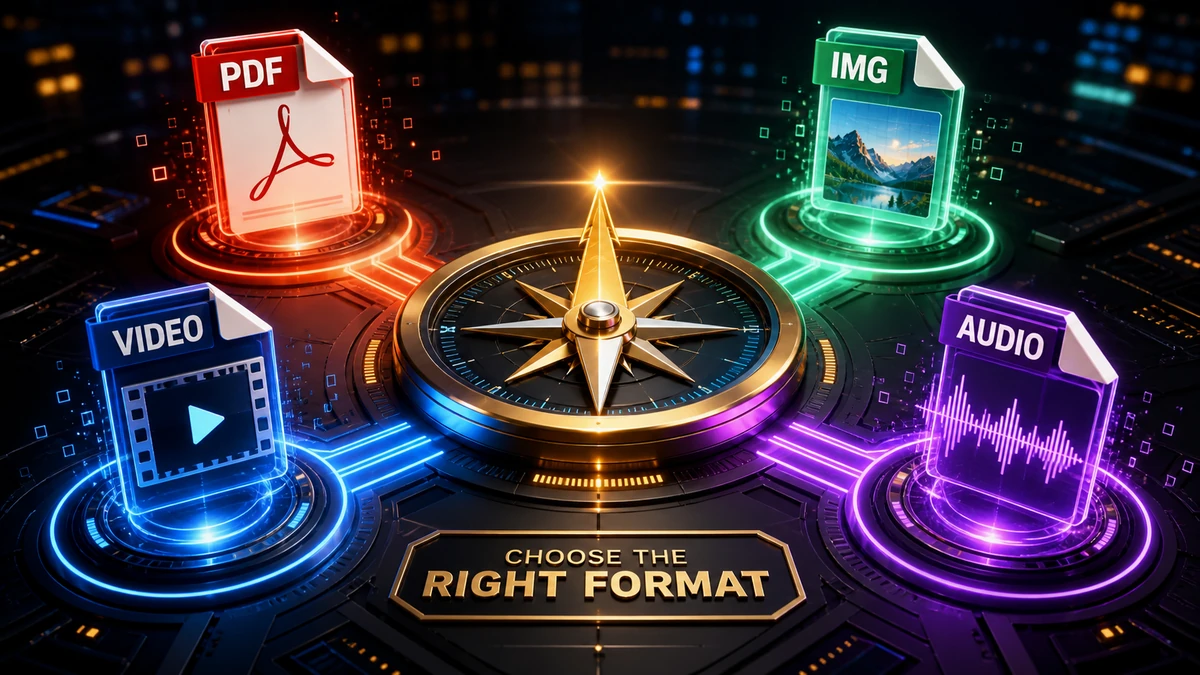
You're about to save a file, and you're staring at a dropdown menu of format options. JPG or PNG? MP4 or MOV? PDF or DOCX? Making the wrong choice means compatibility problems, wasted storage, or quality loss.
This guide cuts through the confusion. For every major file type—images, documents, audio, and video—you'll know exactly which format to choose and why.
Why File Format Matters
The format you choose affects:
- Quality: Some formats preserve more detail than others
- File size: Efficient formats save storage and bandwidth
- Compatibility: Will it open on every device?
- Features: Some formats support transparency, layers, or metadata
- Editability: Can you modify it later?
"Pro tip: There's no single best format—only the best format for your specific situation. Context is everything."
Image Formats: The Complete Decision Guide
Quick Decision Tree
What kind of image is it?
- Photograph or complex image? → WebP (or JPG for compatibility)
- Logo, icon, or simple graphic? → SVG (or PNG if raster needed)
- Need transparency? → PNG or WebP
- For print? → TIFF or high-quality PNG
- For web? → WebP with JPG fallback
Format Comparison Table
| Format | Best For | Transparency | Quality | File Size |
|---|---|---|---|---|
| JPG/JPEG | Photos | ❌ | Good (lossy) | Small |
| PNG | Graphics, screenshots | ✅ | Perfect (lossless) | Medium-Large |
| WebP | Web images (all types) | ✅ | Excellent | Smallest |
| GIF | Simple animations | ✅ (binary) | Limited (256 colors) | Medium |
| SVG | Logos, icons | ✅ | Perfect (vector) | Tiny |
| TIFF | Print, archiving | ✅ | Perfect | Very Large |
Detailed Recommendations
For websites and apps:
- Use WebP as primary format (97%+ browser support)
- Provide JPG fallback for older browsers
- Use SVG for logos and icons
For social media:
- JPG for photos (widely accepted)
- PNG for graphics with text
- Check platform-specific requirements
For email attachments:
- JPG at 80-85% quality (small size, good quality)
- Keep under 1-2 MB per image
For printing:
- TIFF or PNG (lossless)
- 300 DPI minimum resolution
- CMYK color space if professional
"Pro tip: When in doubt about images, WebP is almost always the right choice for digital use. It's smaller than JPG, supports transparency like PNG, and works everywhere modern."
For a deep dive, see our complete guide to image formats.
Document Formats: The Complete Decision Guide
Quick Decision Tree
What's the purpose of the document?
- Sharing a final, uneditable version? → PDF
- Collaborating and editing together? → DOCX (Word) or Google Docs
- Publishing online? → PDF or HTML
- Archiving long-term? → PDF/A
- Spreadsheet data? → XLSX (or CSV for raw data)
- Presentation? → PPTX or PDF
Format Comparison Table
| Format | Best For | Editable | Universal | Preserves Layout |
|---|---|---|---|---|
| Final documents | ❌ | ✅ | ✅ | |
| DOCX | Editable text docs | ✅ | ⚠️ | ⚠️ |
| XLSX | Spreadsheets | ✅ | ⚠️ | ⚠️ |
| CSV | Raw data | ✅ | ✅ | ❌ |
| PPTX | Presentations | ✅ | ⚠️ | ⚠️ |
| RTF | Simple text | ✅ | ✅ | ⚠️ |
| TXT | Plain text | ✅ | ✅ | ❌ |
Detailed Recommendations
For contracts, invoices, resumes:
- PDF (recipient cannot easily edit, looks identical everywhere)
For collaborative work:
- DOCX if using Microsoft ecosystem
- Google Docs for real-time collaboration
- Either can be exported to PDF when finalized
For data exchange:
- XLSX for formatted spreadsheets
- CSV for compatibility with any software
For archiving:
- PDF/A (ISO standard for long-term preservation)
"Pro tip: Always send resumes, proposals, and contracts as PDF. Word documents can look different on different computers, and recipients might accidentally (or intentionally) edit them."
See our guides for Word to PDF and PDF to Word conversions.
Audio Formats: The Complete Decision Guide
Quick Decision Tree
What's the audio for?
- Sharing music? → MP3 (320 kbps) or AAC
- Podcasts? → MP3 (128-192 kbps, mono for speech)
- Editing/production? → WAV or FLAC
- Apple devices? → AAC/M4A or MP3
- Archiving? → FLAC (lossless)
- Maximum quality storage? → WAV or FLAC
Format Comparison Table
| Format | Quality | File Size | Compatibility | Best For |
|---|---|---|---|---|
| MP3 | Good (lossy) | Small | Universal | Sharing |
| AAC/M4A | Better than MP3 | Small | Very High | Apple, streaming |
| WAV | Perfect (uncompressed) | Very Large | Universal | Recording, editing |
| FLAC | Perfect (lossless) | Large | High | Archiving, audiophiles |
| OGG | Very Good | Small | Medium | Open-source, gaming |
Detailed Recommendations
For music sharing:
- MP3 at 320 kbps (maximum quality MP3)
- AAC at 256 kbps for slightly better quality at same size
For podcasts:
- MP3 at 128 kbps mono for speech
- MP3 at 192 kbps stereo if includes music
For recording/production:
- WAV at 44.1 kHz, 24-bit
- Keep originals forever, export compressed for distribution
For personal music library:
- FLAC for quality-focused listening
- MP3 320 kbps for phone/portable (saves space)
"Pro tip: Always record in WAV and keep those master files. You can always compress later, but you can't recover quality from an MP3."
See our audio formats comparison for more details.
Video Formats: The Complete Decision Guide
Quick Decision Tree
What's the video for?
- Sharing widely? → MP4 (H.264)
- Best compression? → MP4 (H.265/HEVC)
- Apple workflow? → MOV or MP4
- Archiving with all features? → MKV
- Web/YouTube? → MP4 or WebM
- Editing? → ProRes or project format
Format Comparison Table
| Format | Compatibility | Features | Quality | Best For |
|---|---|---|---|---|
| MP4 | ⭐⭐⭐⭐⭐ | Basic | Excellent | Universal sharing |
| MKV | ⭐⭐⭐ | Multi-track, chapters | Excellent | Archiving, personal |
| MOV | ⭐⭐⭐ | Apple features | Excellent | Apple ecosystem |
| WebM | ⭐⭐⭐ | Web-optimized | Excellent | Web video |
| AVI | ⭐⭐ | Legacy | Variable | Old systems |
Codec Recommendations
| Codec | Use When |
|---|---|
| H.264 | Maximum compatibility needed |
| H.265/HEVC | Want 50% smaller files, modern devices |
| VP9 | For YouTube, web browsers |
| ProRes | Professional video editing |
Detailed Recommendations
For email/messaging:
- MP4 with H.264 codec
- 720p resolution, 1-3 Mbps bitrate
- See our video size reduction guide
For YouTube:
- MP4 with H.264
- Original resolution and quality (YouTube re-encodes)
For personal archive:
- MKV with H.265 (great quality, reasonable size)
- Keeps multiple audio tracks, subtitles, chapters
For iPhone videos:
- Convert MOV to MP4 for sharing outside Apple
- See our MOV to MP4 guide
"Pro tip: When in doubt about video formats, MP4 with H.264 is the safest choice. It plays on literally everything made in the last 15 years."
See our video formats comparison for more details.
Quick Reference Cheat Sheet
Images
| Situation | Use This |
|---|---|
| Photo for web | WebP (or JPG) |
| Logo/icon | SVG |
| Screenshot with text | PNG |
| Need transparency | PNG or WebP |
| For print | TIFF or PNG |
Documents
| Situation | Use This |
|---|---|
| Sending final version | |
| Need editing | DOCX/Google Docs |
| Raw data | CSV |
| Formal report/contract |
Audio
| Situation | Use This |
|---|---|
| Sharing music | MP3 (320 kbps) |
| Podcast | MP3 (128-192 kbps) |
| Recording/editing | WAV |
| Archiving | FLAC |
Video
| Situation | Use This |
|---|---|
| Sharing anywhere | MP4 (H.264) |
| Smaller files | MP4 (H.265) |
| Personal archive | MKV |
| Web only | WebM |
Frequently Asked Questions
What's the most universal format for sharing files?
- Images: JPG (but WebP for web)
- Documents: PDF
- Audio: MP3
- Video: MP4
These formats work on virtually every device and platform.
When should I use lossless formats?
Use lossless formats (PNG, FLAC, WAV) when:
- You'll be editing the file further
- Quality is critical and file size doesn't matter
- You're archiving master copies
- The file will be re-compressed later
Does converting between formats lose quality?
Converting to lossy formats (JPG, MP3, MP4) always loses some quality. Converting to lossless (PNG, FLAC) preserves quality. Converting between lossy formats (MP3→AAC) degrades quality further.
How do I convert between formats?
Use our free converters:
Conclusion
Choosing the right file format doesn't have to be complicated:
Remember These Key Points:
- PDF for final documents
- WebP/JPG for photos, PNG/SVG for graphics
- MP3 for audio sharing, WAV for recording
- MP4 for video sharing
- When in doubt, choose maximum compatibility
Quick Decision Guide:
- Need it to open everywhere? → Use universal formats (PDF, JPG, MP3, MP4)
- Need to edit later? → Use source formats (DOCX, WAV, PNG)
- Need smallest size? → Use efficient formats (WebP, AAC, H.265)
- Need best quality? → Use lossless formats (PNG, FLAC, ProRes)
Convert to any format with our free file converter for instant results.
Related articles:
- Complete Guide to Image Formats
- MP3 vs WAV vs AAC: Which Audio Format is Best?
- Video Formats Explained
- 10 File Conversion Mistakes to Avoid
Related Topics
On This Page
Share Article
Our Tools
Stay Updated
Get the latest tips delivered to your inbox.