Loading...
Please wait while we prepare your content
Please wait while we prepare your content
Everything you need for document workflows — converting between PDF, Word, Excel and other formats, keeping layouts and formatting intact, merging and compressing PDFs, and getting editable text back out of a file. Clear, step-by-step, no software install.
Converting a PDF to JPG turns each page into a separate image you can post, embed, or preview anywhere. Here's how to do it right, when PNG beats JPG, and the DPI setting that makes or breaks sharpness.
Read guide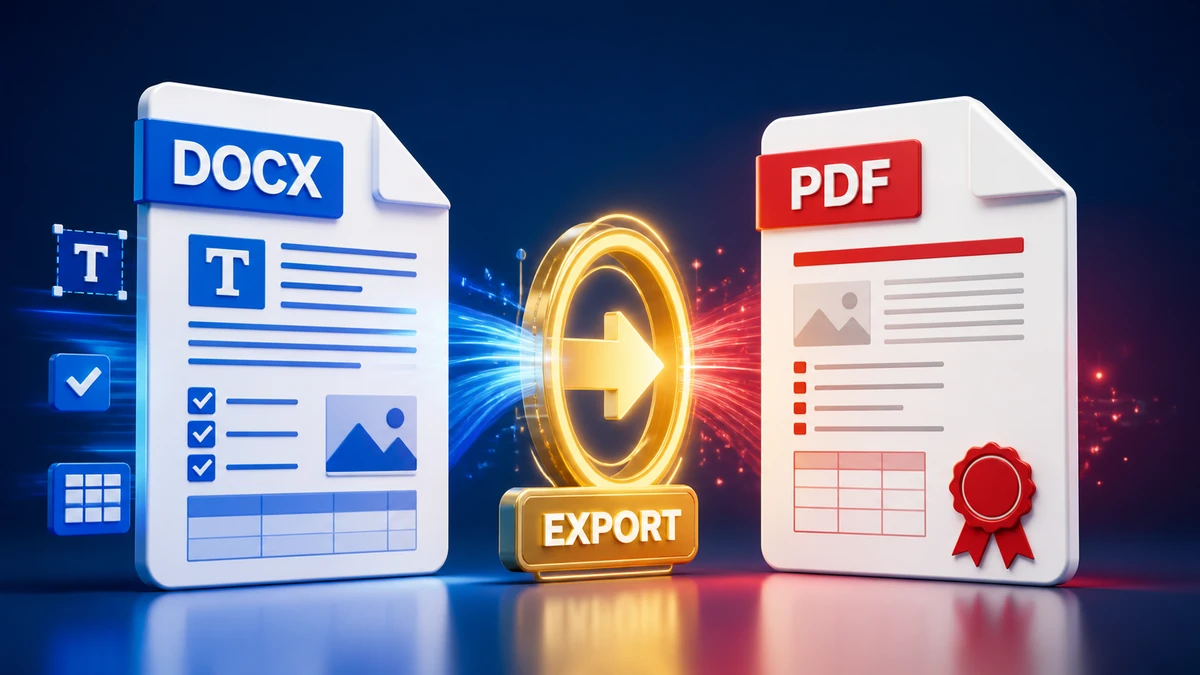
Convert Word documents to PDF for sharing, printing, and submission while checking fonts, images, links, margins, and page layout.
Read guide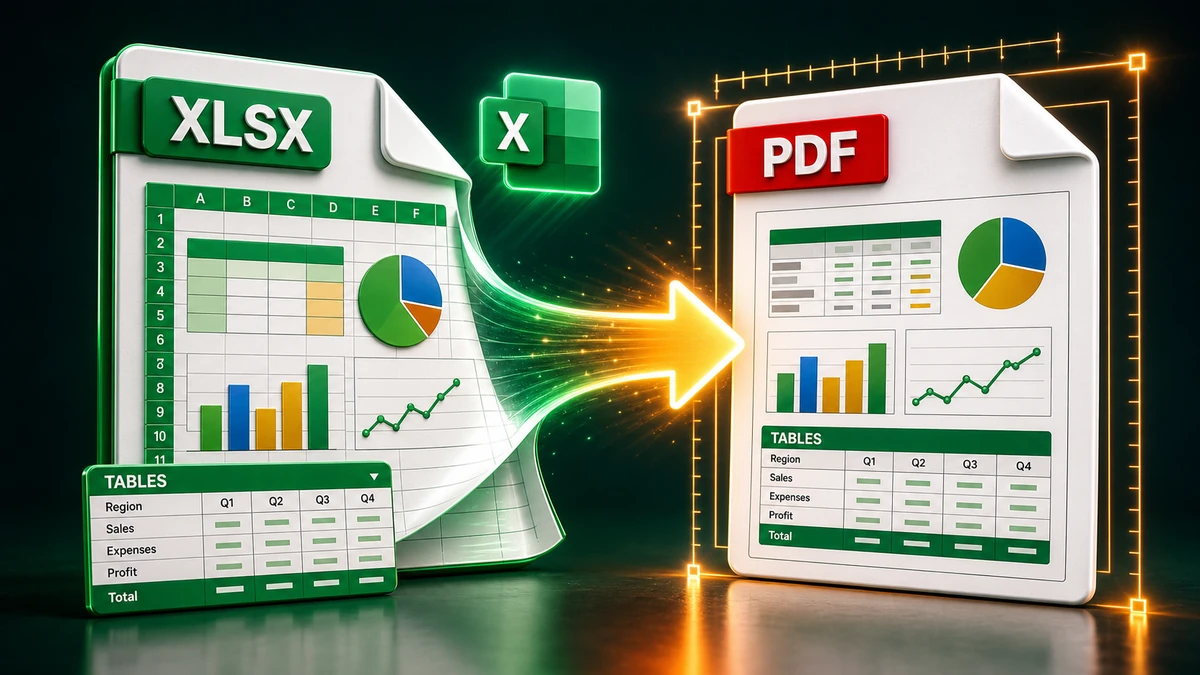
Convert Excel sheets to PDF with cleaner page breaks, readable tables, print areas, and layout checks before sending or uploading.
Read guide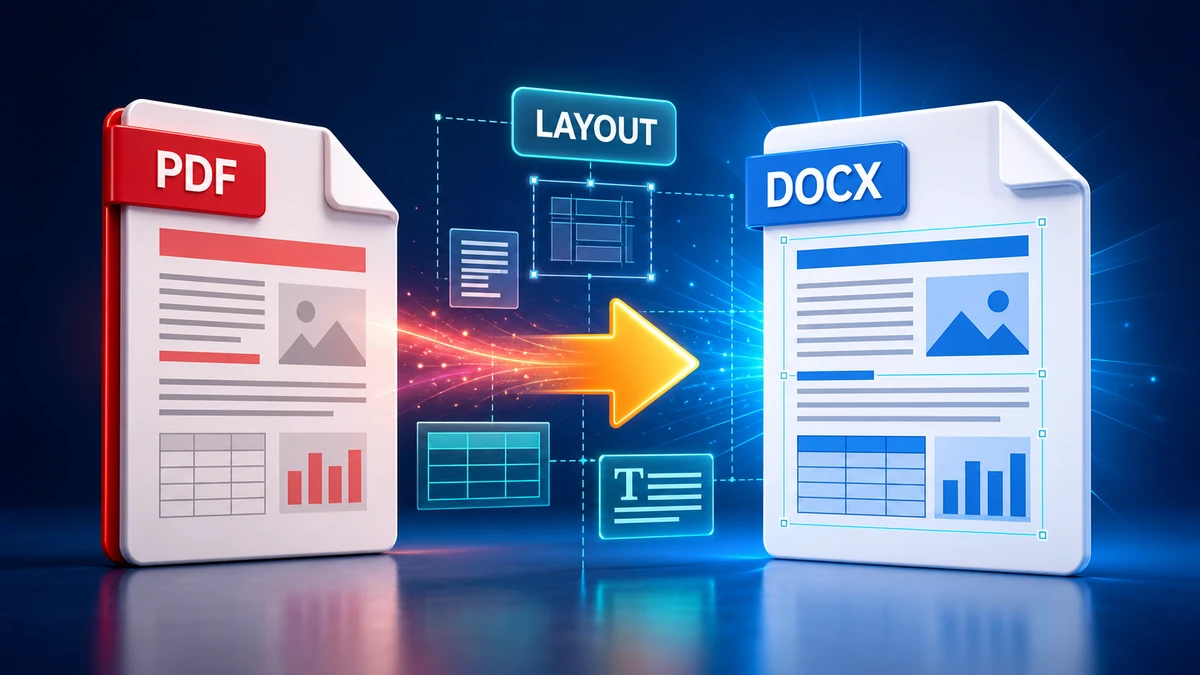
Convert PDF files to editable Word documents with practical checks for text flow, tables, fonts, images, and layout differences.
Read guide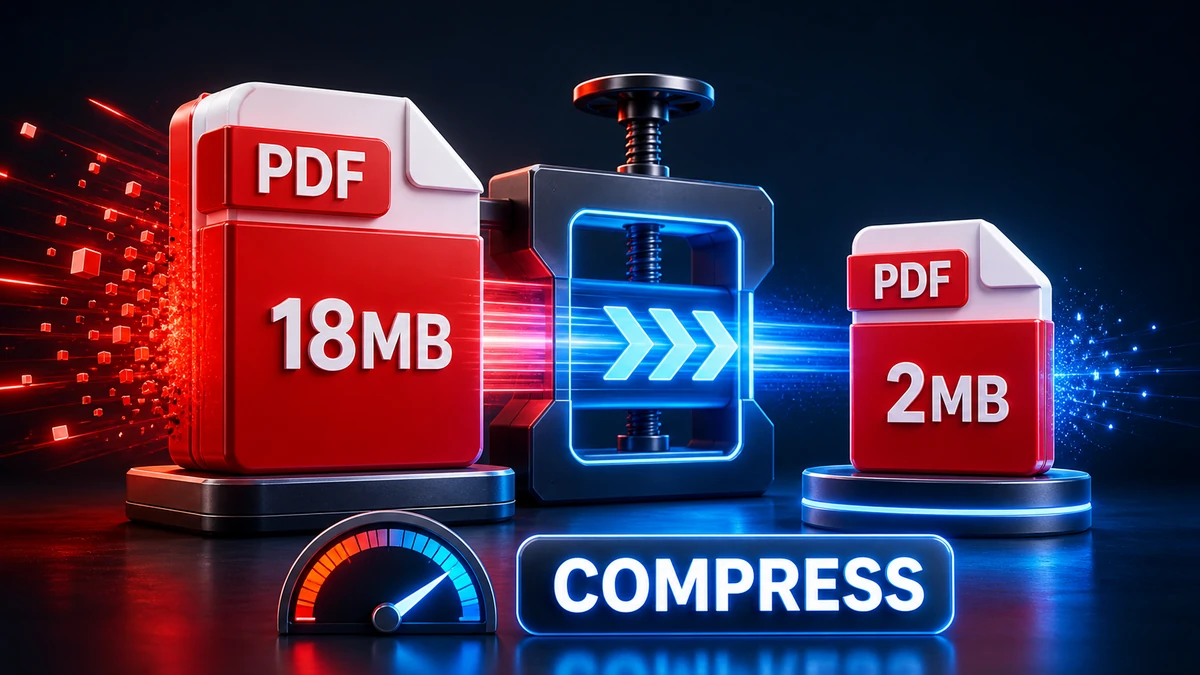
Compress PDF files for email, portals, applications, and storage while checking readability, images, and document layout after compression.
Read guide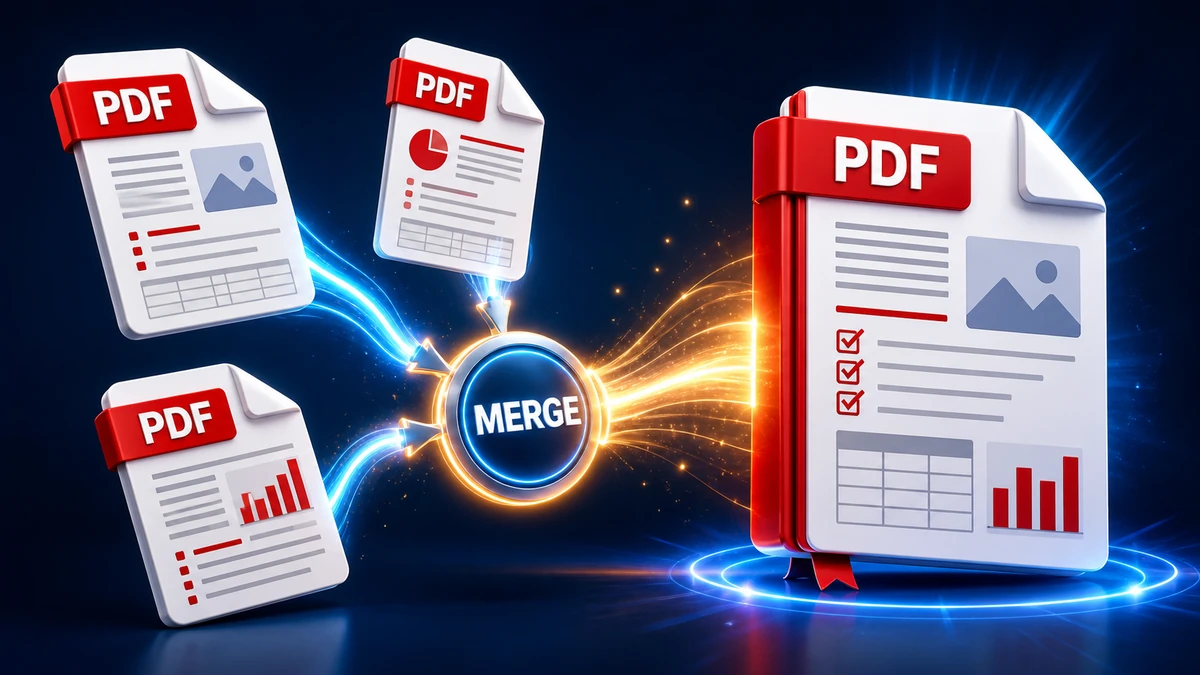
Combine multiple PDF files into one organized document with browser tools, desktop options, ordering tips, and checks before sharing.
Read guide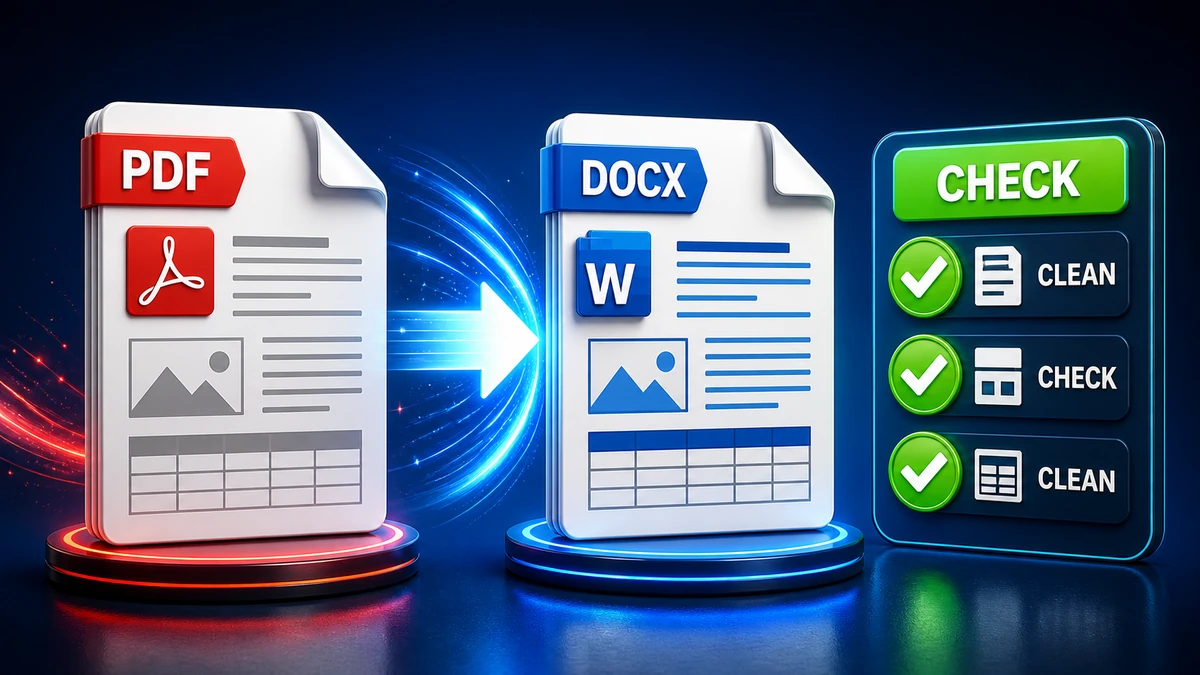
Use practical PDF-to-Word checks for editable text, tables, page breaks, fonts, images, scanned documents, and review before editing.
Read guide